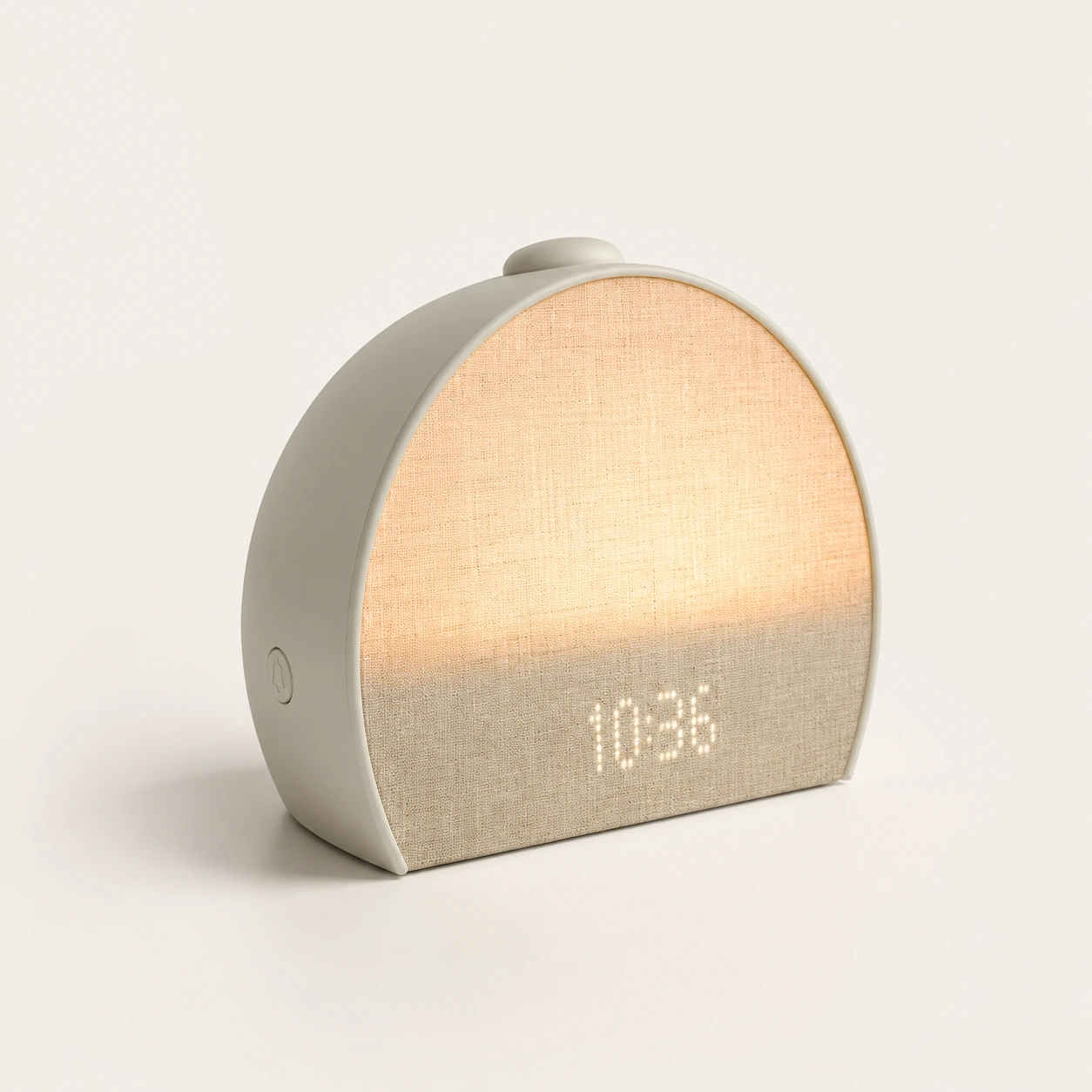
Hatch Restore 3 Smart Sunrise Alarm Clock
Sunrise routine review
Hatch+ and phone-down controls
Amazon search
Check priceAffiliate placeholder for Hatch Rest+ 2nd Gen availabilityCheck current priceHatch support
Verify modelUse official support notes to confirm battery, controls, and offline limitsView sourceAlternatives
Compare firstUse the main guide before choosing a kids sound machine or adult Restore modelSee alternativesRelated Products
Sunrise routine review
Hatch+ and phone-down controls
Full review
Discounted adult routines
Full review
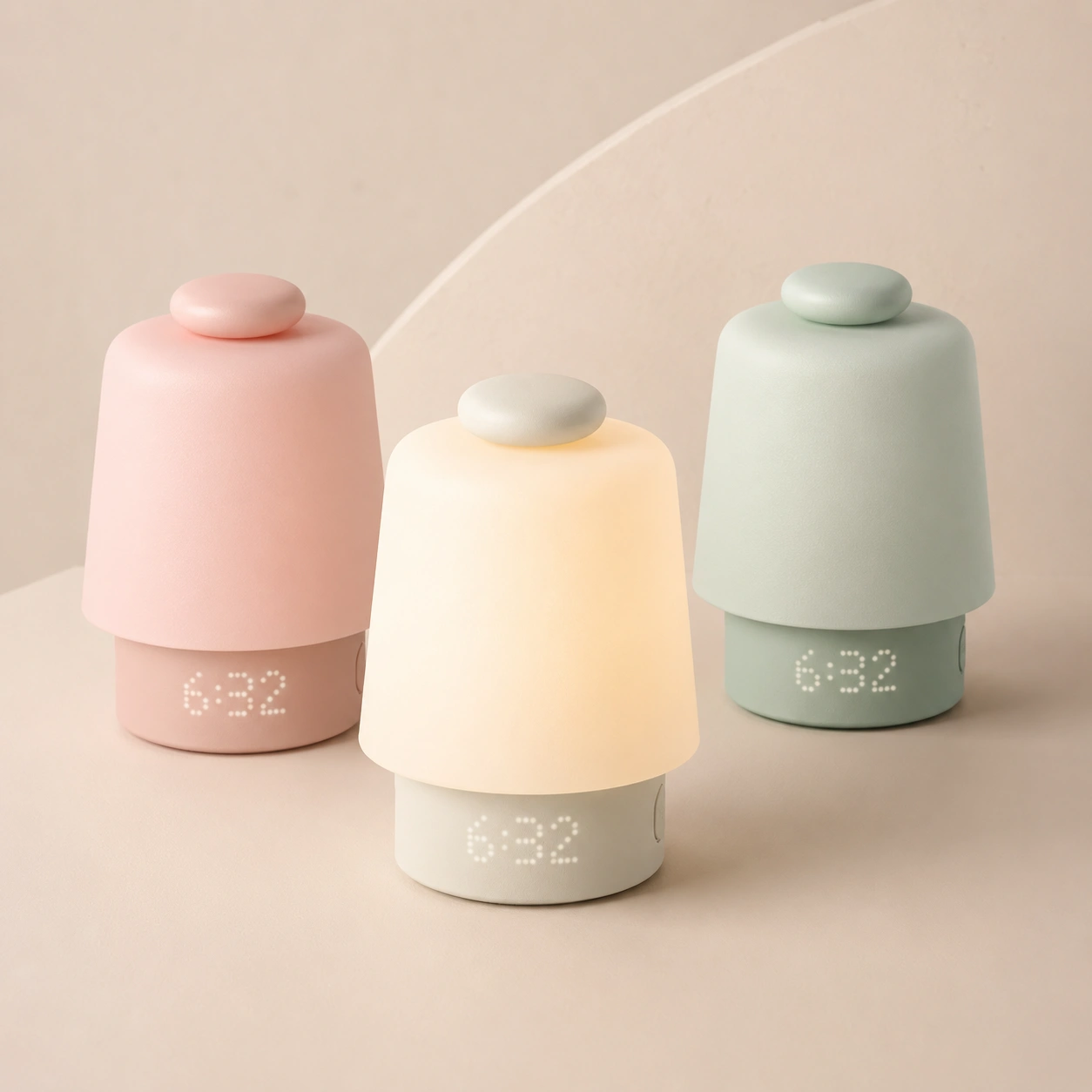
Original Restore buyers
Full review
Baby-room routine device
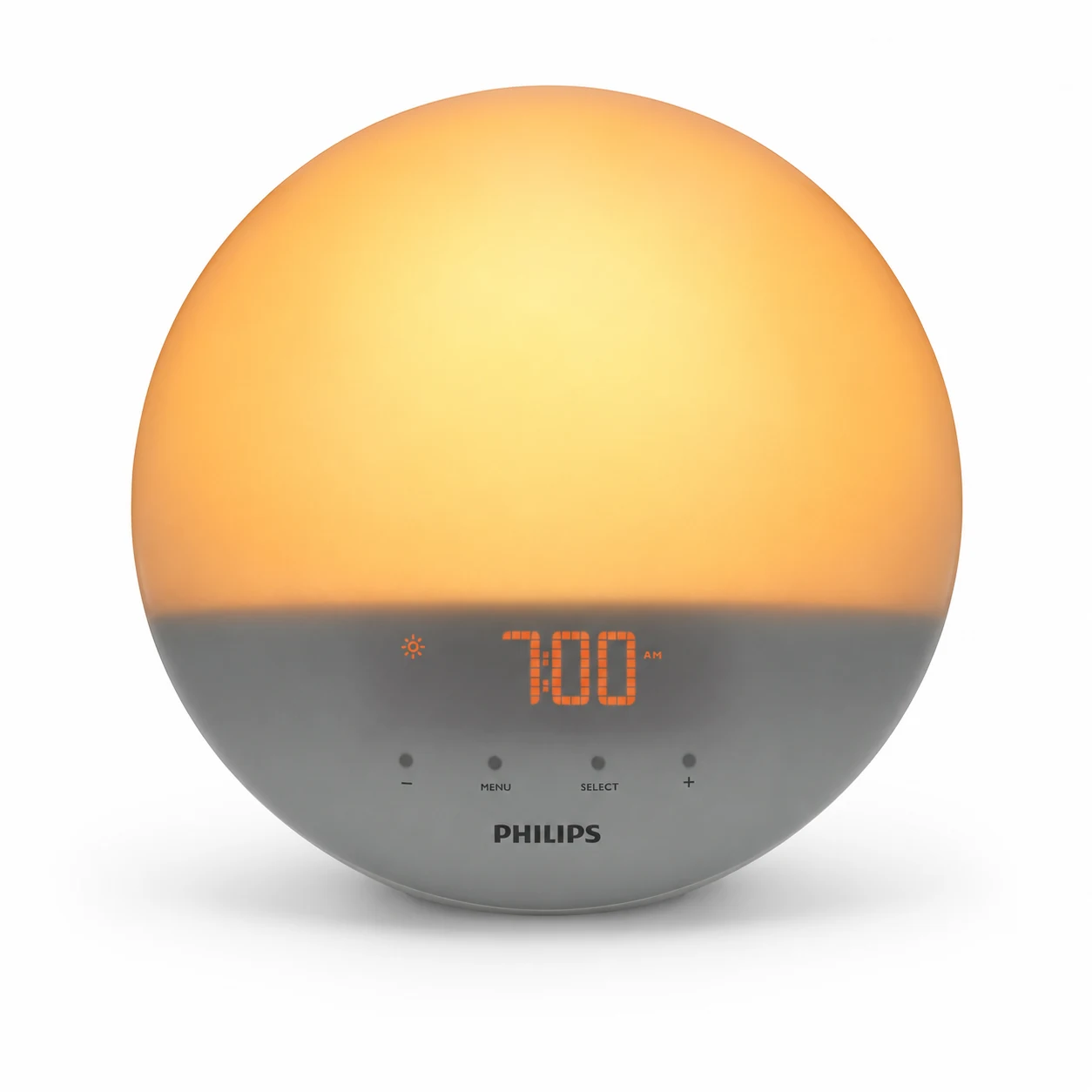
No-app sunrise review
Light-first adult bedrooms
Product Overview
Hatch Rest+ 2nd Gen Sound Machine Alarm Clock
Tested family-use review with support-document cross-checking
Families who will use sound, light, routines, Time-to-Rise, and battery backup together
It is not the cheapest way to play one steady white noise sound
8.4/10 for full routine use; closer to 6/10 for white-noise-only use
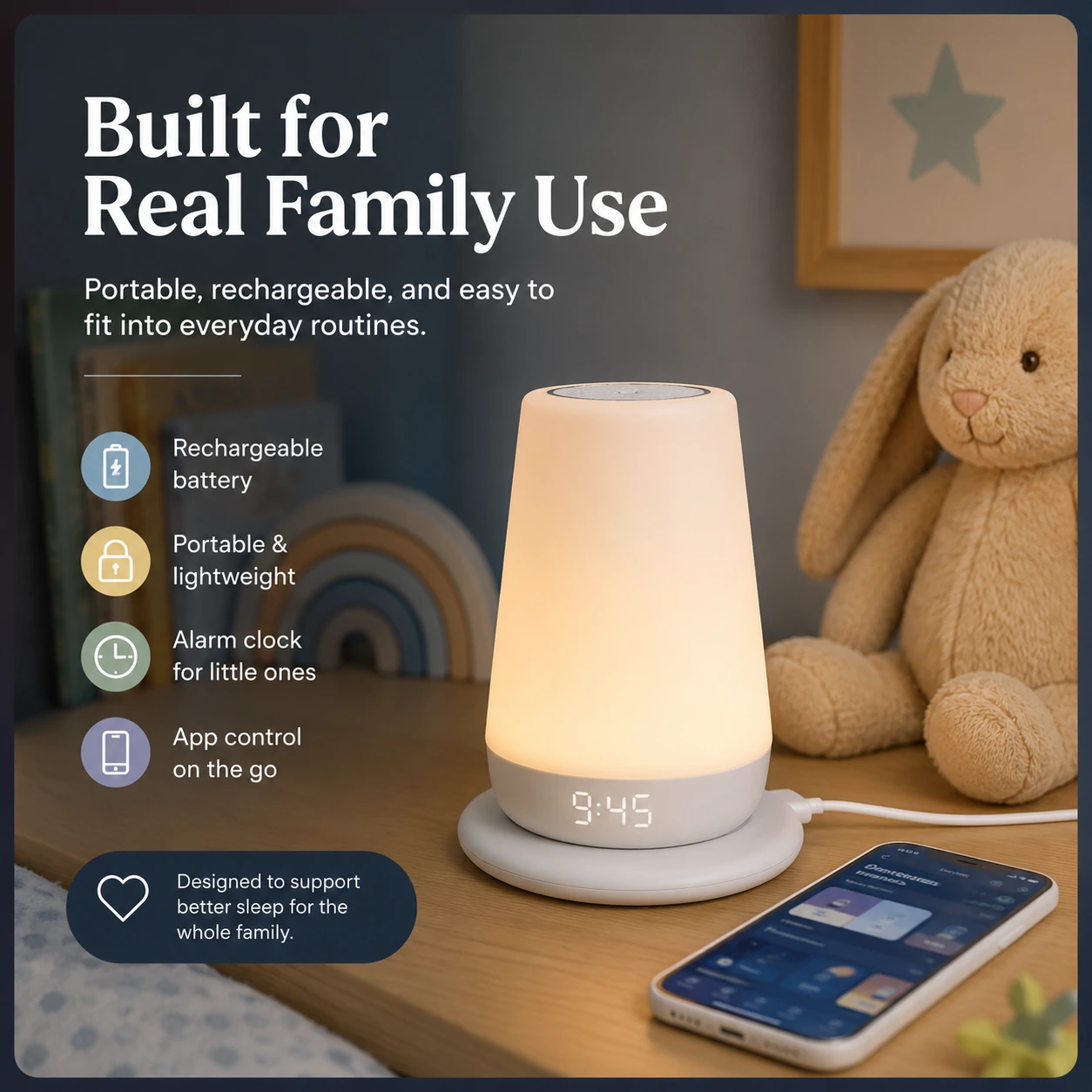
We tested the Hatch Rest+ 2nd Gen as a child sleep-routine device, not as a plain speaker. That distinction matters. The Rest+ 2nd Gen can play sleep sounds, work as a dim night light, show a clock, run Time-for-Bed and Time-to-Rise cues, and keep working for short unplugged periods from its charging base. The speaker alone is not the reason to pay for it.
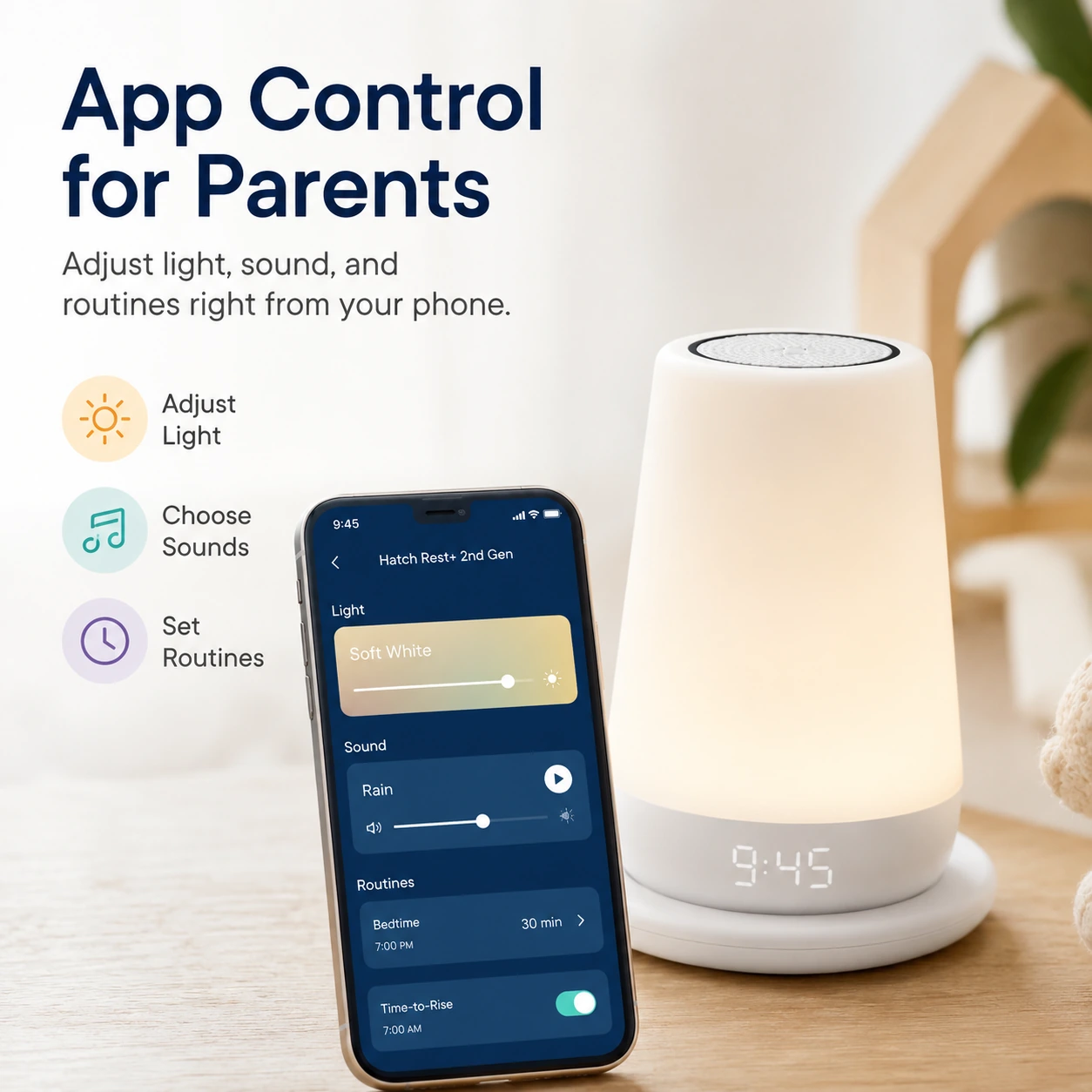
Our testing focused on the parts parents actually touch: setup, app control, the Touch Ring, the rear buttons, night-light adjustment, routine behavior, battery/base use, offline expectations, and how clearly the product fits a baby or toddler room. We also checked Hatch Support documentation and retailer feedback against our use, because several common buyer questions are about limits rather than headline features.
I would buy it for a nursery or toddler room where sound, light, and wake cues will be used every day. I would not buy it as the cheapest way to play white noise. The value comes from the routine system.
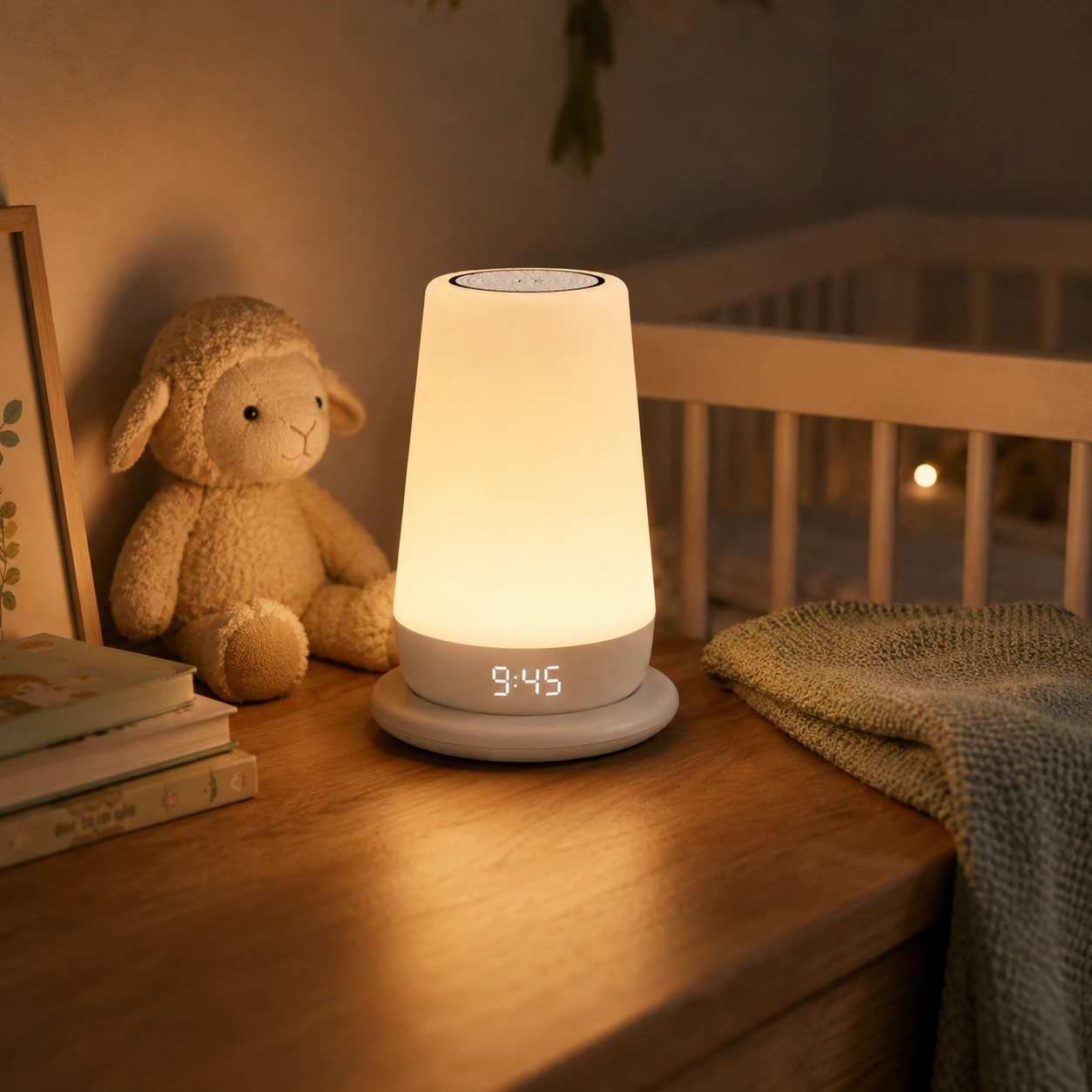
Time-to-Rise is a child wake cue. It can help a toddler understand when it is okay to get up, but it is not built like an adult alarm clock.
We tested the Rest+ 2nd Gen around the main ownership questions: how quickly it becomes useful after setup, whether the physical controls are good enough in the dark, how the app affects daily use, how the battery/base setup changes the product, and whether Time-to-Rise feels like a real reason to choose Hatch over a cheaper sound machine.
The strongest result from testing was not a single feature. It was the way sound, light, clock, and routines can be paired. A plain sound machine can play noise. The Rest+ 2nd Gen is more useful when the same device handles the bedtime cue, the overnight sound, the soft check-in light, and the morning color cue.
The weakest part is the smart-device friction. Setup, account use, Wi-Fi, subscription prompts, and app dependency are part of the product. If you dislike app-managed nursery gear, this will matter more than the sound quality.
Search results and retailer pages often mix Rest 2nd Gen and Rest+ 2nd Gen wording. The shopping intent is close, but the battery detail is not interchangeable.
Buying rule: Rest+ 2nd Gen is the version to check for if you want the internal battery and wireless charging base. Rest 2nd Gen is the simpler plug-in model. Hatch Support says the Rest 2nd Gen does not have a backup battery and must stay plugged in. Hatch also says the Rest 2nd Gen charging base cannot charge a Rest 2nd Gen because that model has no internal battery.
That matters because battery backup is one of the main reasons to pay more. If a listing title is vague, check the product photos, box contents, and model wording before you order.
The Rest+ 2nd Gen has four practical jobs.
The free catalog is already broad enough for most families: brown noise, heartbeat, white noise, rain, ocean, water, thunderstorm, dryer, fan, crickets, birds, wind, and lullabies.
This is useful for night feeds, diaper changes, room checks, or giving a child a low-light cue without turning on a ceiling light.
This is where Hatch separates itself from a low-cost sound machine. You can set repeated patterns for bedtime, rest time, and morning wake cues instead of adjusting a device by hand every night.
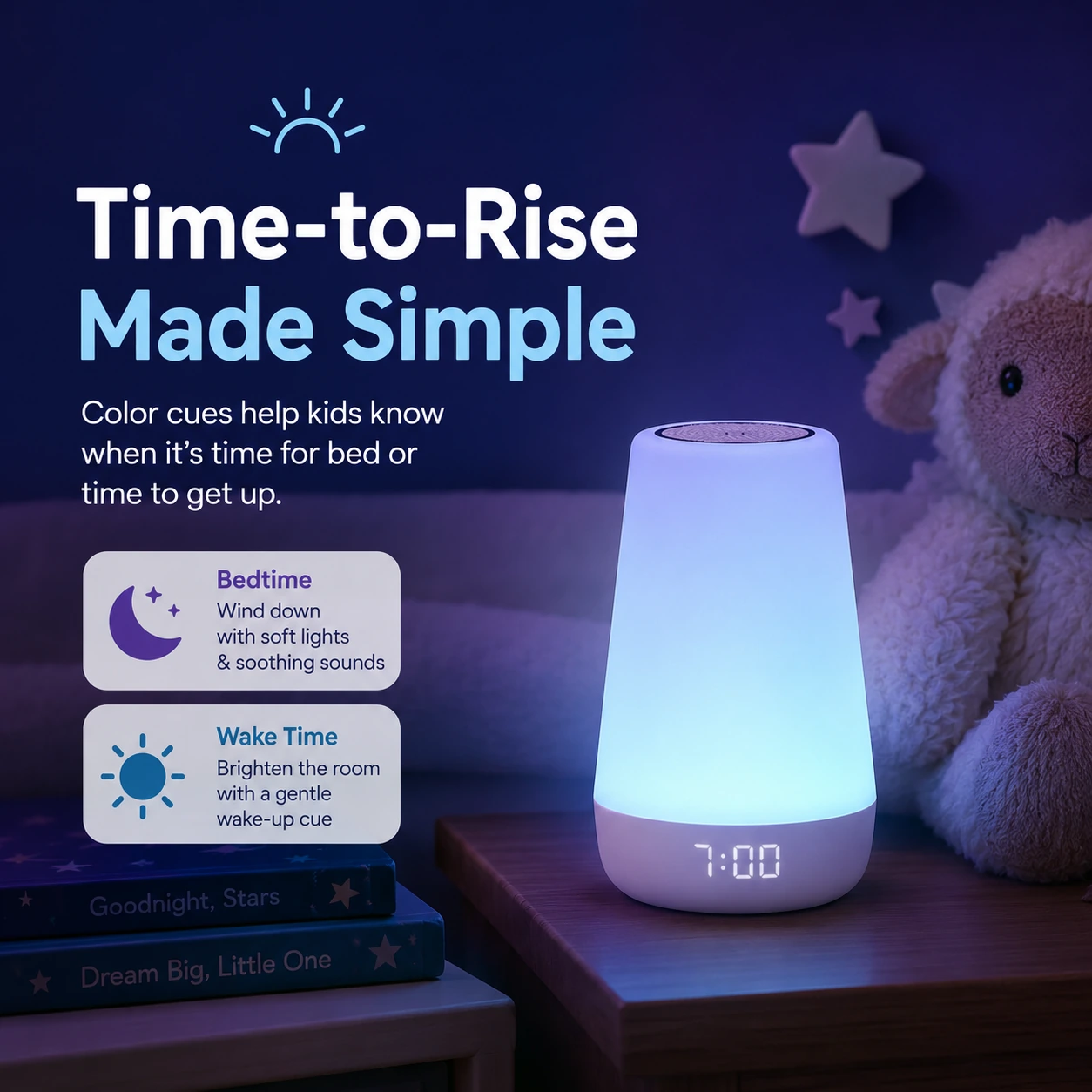
Time-to-Rise can pair a color with a sound so a child learns what stay in bed and okay to get up mean.
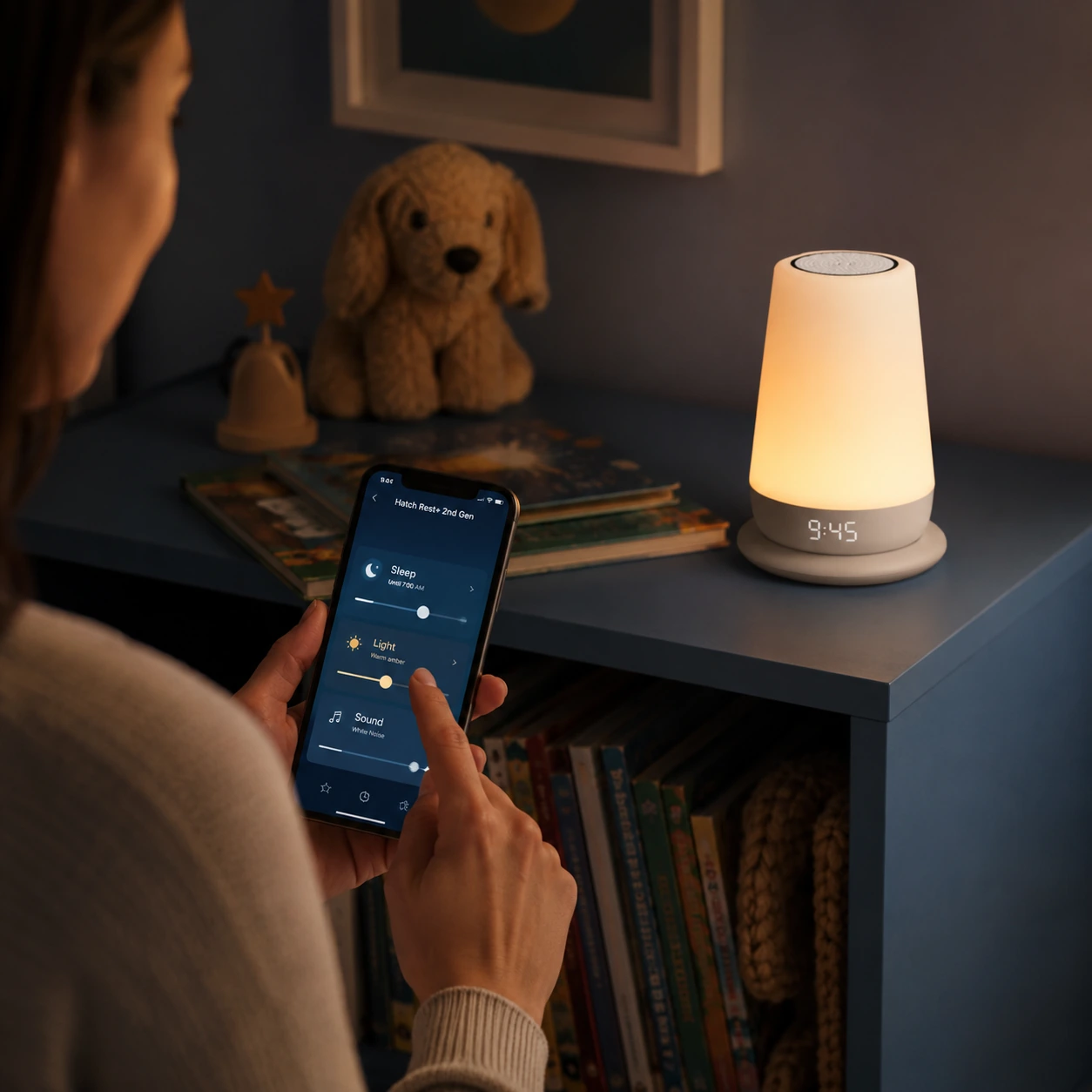
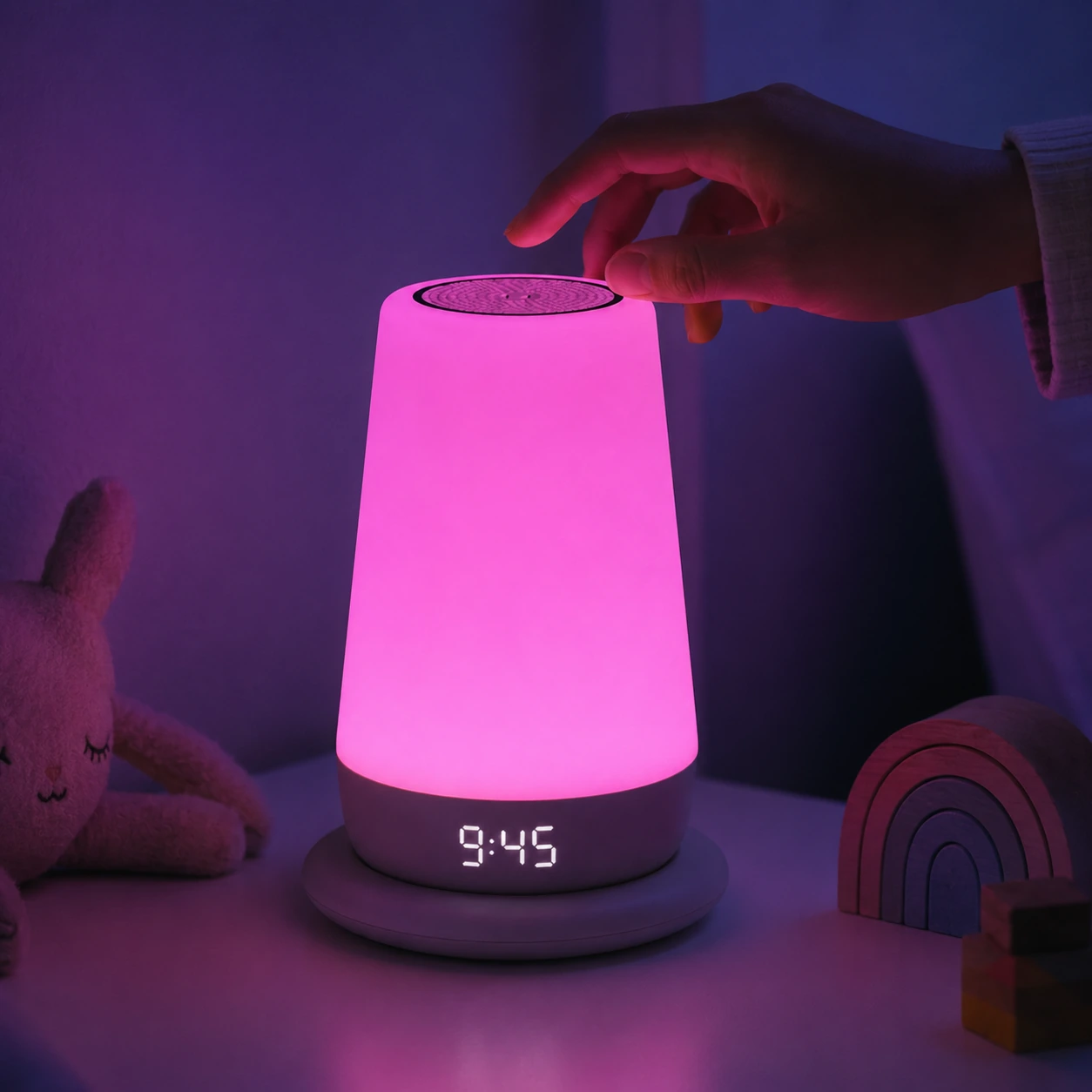
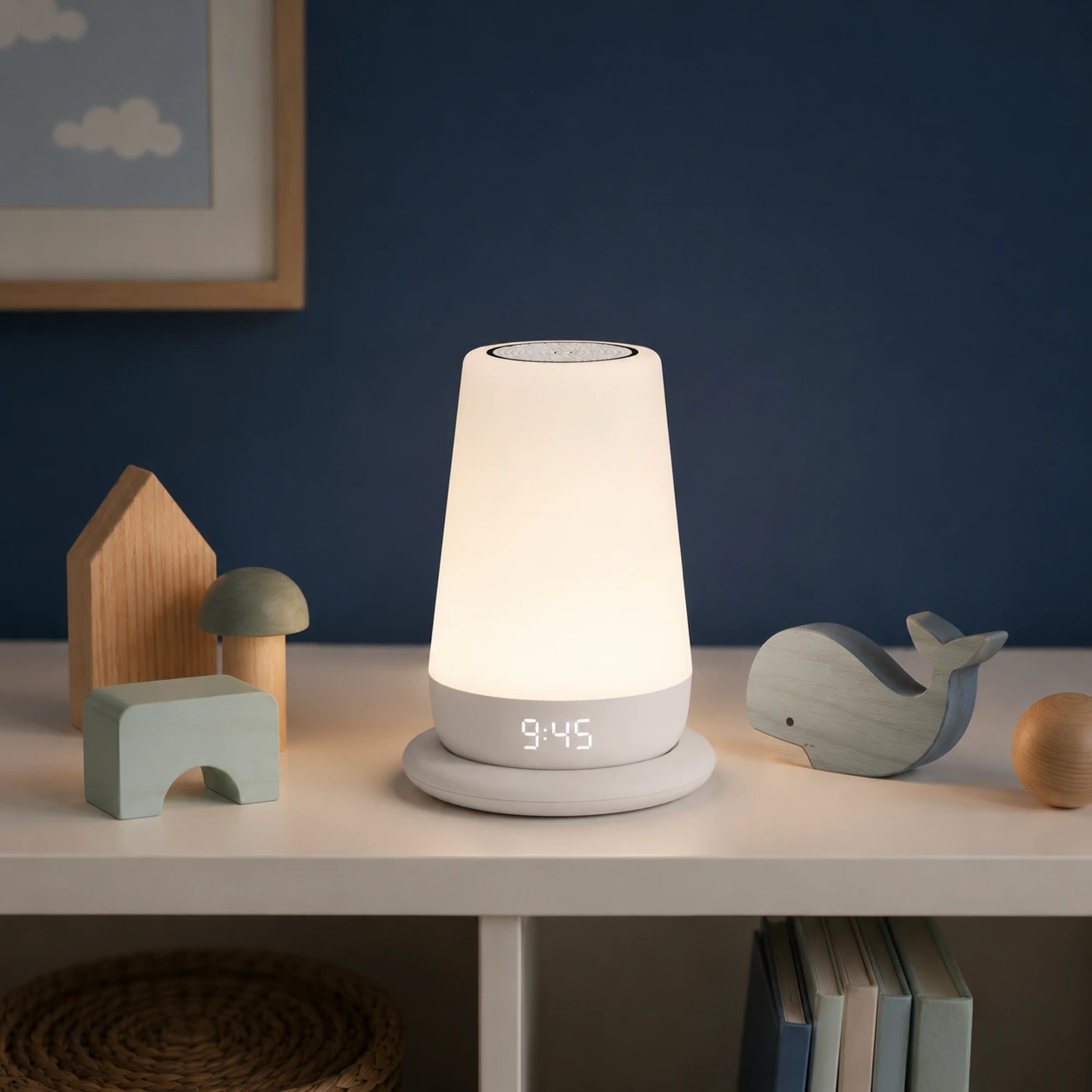
A nursery device has to work when your phone is not in your hand. Hatch does better here than many app-based products.
The Touch Ring on top can turn the device on, cycle through saved favorites, and turn it off with a long press. That means you can start a saved sound-and-light setup without opening the Hatch Sleep app.
The back of the device also has physical controls. A small night light button turns on a soft light without stopping the sound already playing. Volume and brightness buttons sit around it, and Hatch uses different button textures so you can identify them by touch in a dark room.
That detail held up in testing. At night, the physical controls feel more important than they look on a spec sheet. A parent should not have to unlock a phone, wait for an app, and tap through menus just to lower brightness.
The limit is clear: setup, saved favorites, routine editing, library browsing, Wi-Fi settings, clock changes, and deeper scheduling still need the app. The physical controls are for quick adjustments, not full management.
Specification
This table is the practical buyer card for the Rest+ 2nd Gen. The product is easiest to justify when the family needs more than one feature from the same bedside device.
Price context: $89.99 is the typical listed price in the supplied review and source package. Check the current retailer page before buying.
Battery backup is useful, but the number needs context.
Hatch gives an up-to-12-hour battery figure for low brightness and low volume. Hatch's charging base FAQ gives the more practical expectation: about 8 hours for many users, depending on sound level, sound type, and light setting.
Both numbers can be true. A dim light and low-volume sound will last longer. A brighter light, higher volume, clock display, and frequent off-base use will drain faster.
In testing, the battery felt best as short-term flexibility: moving the unit to another room, handling a nap away from the usual outlet, or covering a power interruption. I would not treat it like a long-duration travel battery.
The device can also use power when sound and light are off because the clock display and saved favorites still need energy. If battery backup matters, keep it on the base and test unplugged use before you depend on it during an outage.
The charging base is convenient, but it creates one more thing to troubleshoot. If the device turns off when lifted from the base, Hatch recommends direct-cable charging and recovery steps before assuming the base is the only issue.
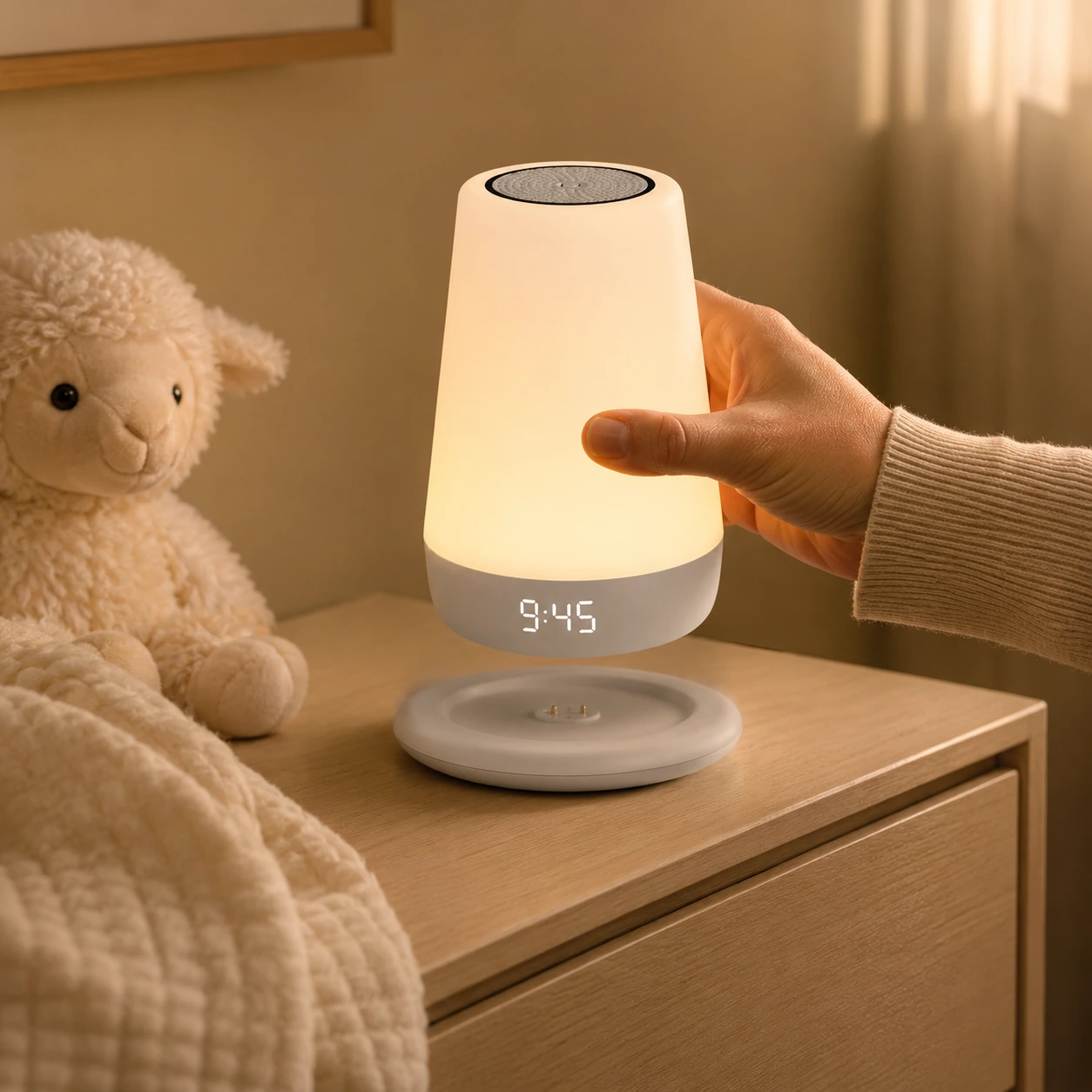
The Rest+ 2nd Gen is best at home on a stable Wi-Fi network. Setup requires Wi-Fi, and the full app experience depends on it.
Offline mode is still useful. Saved routines and basic controls can continue when Wi-Fi drops. Hatch says the app can move to Bluetooth for some offline actions, and scheduled content may keep working with possible delays.
The limits matter. Hatch+ content access, firmware updates, timers, routine creation or editing, Toddler Lock settings, and some clock display changes are limited or unavailable offline.
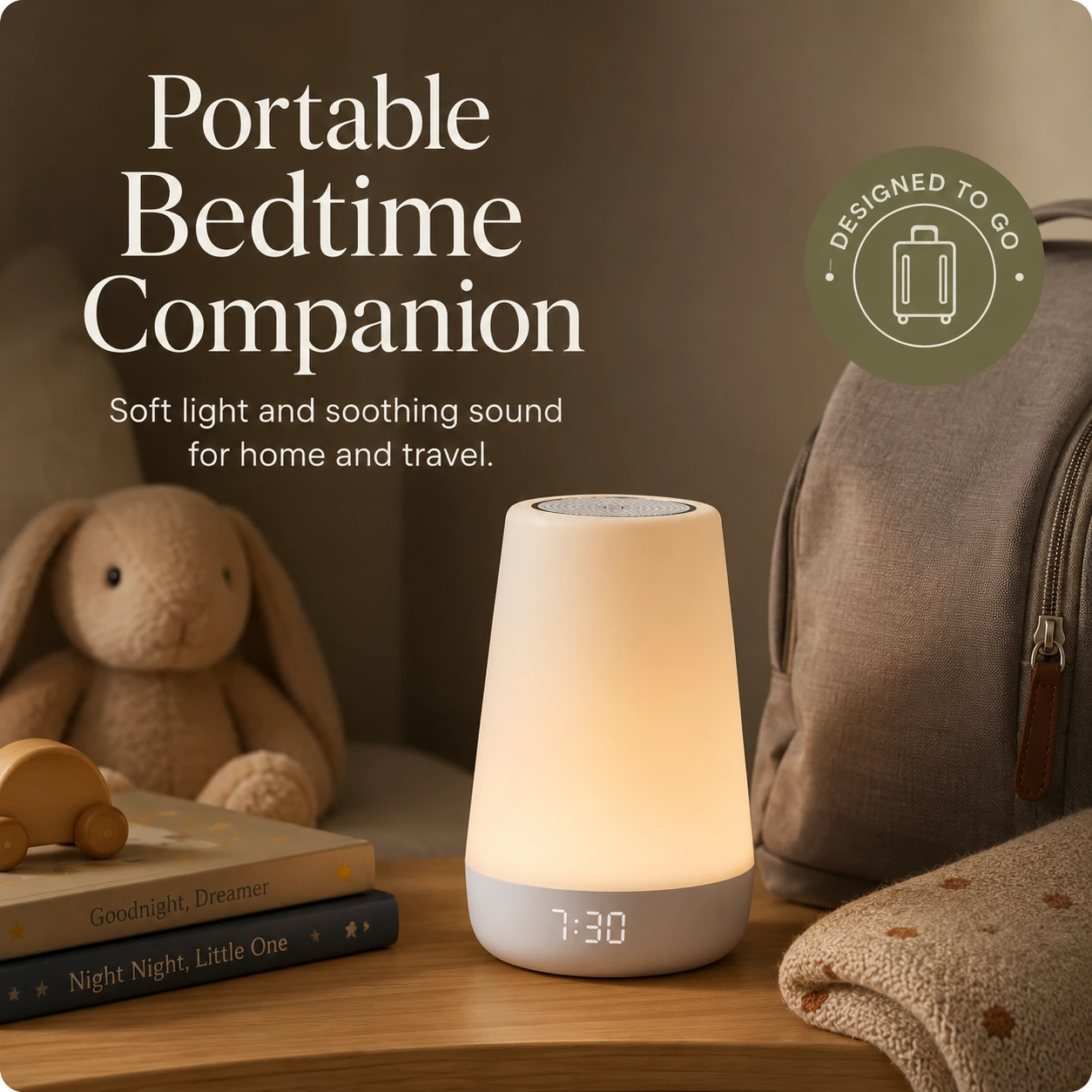
For a home nursery, that trade-off is acceptable. For hotels, camping, or grandparents' homes with awkward Wi-Fi, I would not rely on it as the only sleep sound solution. If travel is your main use case, keep a small portable sound machine in the bag.
No. Hatch+ is not required for basic use. The Rest+ 2nd Gen can still run basic sound and light pairings without a subscription, and Hatch lists free sounds and alarms.
Hatch+ matters if your child uses extra stories, music, dreamscapes, or guided wind-down content. Some families may like that. Others will finish the trial and never miss it.
My advice: judge the device without treating Hatch+ as the main value. The hardware routines, night light, sounds, Time-to-Rise, app scheduling, and battery backup should justify the price on their own. If the purchase only feels worthwhile with a paid content library, think twice.
A baby sound machine should not sit beside a crib at high volume. Hatch says sound level depends on room size, surfaces, distance, and placement. In an average carpeted nursery, Hatch says maximum volume is below 50 decibels at 5 to 10 feet from a sleeping baby.
That does not make every room and setting automatically safe. Place the device across the room, start low, and raise the volume only enough to cover household noise.
A Pediatrics study on infant sleep machines found that some devices can become loud at close range when set to maximum volume. The practical rule is simple: distance and lower volume matter.
The night light also needs a light touch. A dim yellow light can help during night care. A bright display or strong room glow can bother light-sensitive sleepers. Lower the brightness early instead of discovering the problem at bedtime.
The Rest+ 2nd Gen works best as a child wake cue. A green light can mean okay to get up. A bedtime color can mean stay in bed. Sound can reinforce the cue.
These cues do not teach themselves. A toddler still needs a parent to explain the rule and repeat it consistently. If the child can leave the room freely and the rule changes every morning, the device will not solve early waking by itself.
For toddler sleep training, the Time-to-Rise system is one of the strongest reasons to buy the Rest+ 2nd Gen. For an adult who needs a primary alarm clock, Hatch Restore or a dedicated alarm clock is a better fit.
Use Cases
| Child stage | Where it helps | Main caution |
|---|---|---|
| Newborn | White noise and soft light for night care | Keep volume low and place it away from the crib |
| Baby | Consistent sound cue and gentle room light | Do not use it as a monitor |
| Toddler | Time-to-Rise color cues and bedtime routines | The cue needs parent follow-through |
| Preschooler | Wind-down routines and wake independence | Extra content may push you toward Hatch+ |
| Older child | Clock display and routine reminders | It is not a full adult alarm clock |
Reviews
The best part was the combination of routine and control. Once a favorite routine is saved, the Touch Ring and physical buttons make the device easier to use at night than a phone-only product.
The night light also proved more useful than a basic spec list suggests. It is not just a decorative glow. A low setting can give enough visibility for a room check without turning the room into morning.
Time-to-Rise is the feature with the highest parent payoff when a child understands color rules. It is less useful for a newborn, but it becomes more valuable with toddlers and preschoolers.
The complaints fall into clear buckets: app setup, pairing, updates, account friction, volume concerns, battery/base behavior, and subscription frustration.
If you hate smart-device setup, the Rest+ 2nd Gen may annoy you before it helps you. Battery and charging base complaints also appear in retail reviews, so the base must be positioned correctly, the unit must charge long enough, and direct-cable troubleshooting may be needed.
Do not buy the plug-in Rest 2nd Gen expecting battery backup. Check for Rest+ 2nd Gen if the charging base matters.
Do not place the unit next to a baby and turn it up. Put it across the room and start with a low volume.
Do not expect it to work like a Bluetooth speaker. Your phone can keep playing its own audio, but phone audio will not play through the Rest+ speaker.
Do not assume offline mode gives full app control. It preserves some saved use cases, but it is not the same as full Wi-Fi use.
Do not ignore the app during setup. Even if you plan to use the Touch Ring later, the app is still part of the product.
It does not replace a baby monitor. Hatch removed the audio monitor from the second generation.
It does not replace a travel-only sound machine. Offline mode has limits, and hotel Wi-Fi can be annoying.
It does not replace a standard adult alarm clock. Time-to-Rise is a child cue.
It does not replace parenting consistency. The device can run a routine, but the routine still needs to be taught and followed.
The Hatch Rest+ 2nd Gen is worth buying when you want a tested routine system for a child's room. It is stronger than a basic sound machine because it combines sound, light, timing, app scheduling, physical controls, and short-term battery use.
It is not the right buy for every family. If you want one sound, no app, no account, no subscription prompts, and no Wi-Fi setup, buy a simpler sound machine. If you want a baby monitor, buy a monitor. If you want an adult sunrise alarm, look at Hatch Restore instead.
Bottom line: For the right family, the Rest+ 2nd Gen can make bedtime and wake time easier to manage. The value depends on whether you will use the whole routine system, not just the speaker.
FAQ
No. Basic sound and light pairings work without Hatch+. Hatch+ adds more premium content, such as extra wind-down options.
Yes, for basic controls. You can use the Touch Ring, night light button, and volume or brightness buttons. You still need the app for setup and deeper customization.
Plan around about 8 hours for many normal setups. Hatch also gives an up-to-12-hour figure for low-brightness and low-volume use. Higher light, louder sound, clock display, and frequent off-base use reduce runtime.
Partly. Saved routines and basic controls can still work in offline mode, but setup and full app features need Wi-Fi.
It is a child-focused wake cue. Time-to-Rise can use sound and light to tell a child when to get up. It is not a full adult alarm clock.
No. The second-generation Rest+ does not include the audio monitor feature.
Only if you use the routines, night light, Time-to-Rise cues, app scheduling, and battery backup. If you only need white noise, a cheaper model is enough.
It can work for short trips if your saved routines are already set and you understand the offline limits. For frequent travel, a small portable sound machine is easier.
Sources
Hatch lists the Rest family as a sound machine, night light, routine device, and clock for children. The overview is also useful for checking price, battery wording, and charging-base expectations before purchase.
The support notes confirm that saved favorites and physical controls can cover basic nighttime changes after setup. I counted that as a usability plus, but not as proof that the product is app-free; scheduling, library browsing, and deeper routine edits still depend on the Hatch Sleep app.
The official battery wording depends on low-power settings, so I did not score the highest runtime figure as a normal-use guarantee. In this review, the battery is treated as short-term backup for moves and outages, not as an all-night cordless mode.
The charging base is convenient, but it adds one more contact point to troubleshoot. If the unit turns off when lifted from the base, direct-cable charging is part of the recovery path.
Offline mode preserves some saved routines and basic controls, but new routines, parts of app editing, content access, and updates are limited. That is why portability was scored as a backup convenience rather than a main reason to buy.
Hatch removed audio monitoring from the second generation. That changed the scoring: Rest+ 2nd Gen is treated here as a routine and sleep-aid device, while monitor shoppers should use a separate baby monitor.
Hatch notes that room size, surfaces, distance, and placement affect sound level. The practical approach is to place the device away from the crib, start low, and raise volume only enough to mask household noise.
The study is useful safety context: infant sleep machines can become too loud at close range and maximum volume. It supports the same practical rule used in this review: distance and lower volume matter.
Retailer reviews and Q&A helped cross-check owner complaint patterns around setup friction, charging-base behavior, battery expectations, volume concerns, and subscription frustration.