Hatch Restore 2 Smart Alarm Clock
Full review
Discounted adult routines
Hatch official
$169.99 seenOfficial price at fact check. Hatch also listed Free Shipping & Returns, a 30-Night Bedside Trial, and a 1-Year Product Warranty.Check Hatch priceAmazon / retailer check
Price variesUse the approved affiliate link and confirm current availability before buying.Check current priceHatch+ note
30-day trial includedBasic use continues after cancellation; Hatch+ mainly expands content and routines.Read Hatch+ sectionRelated Products
Full review
Discounted adult routines
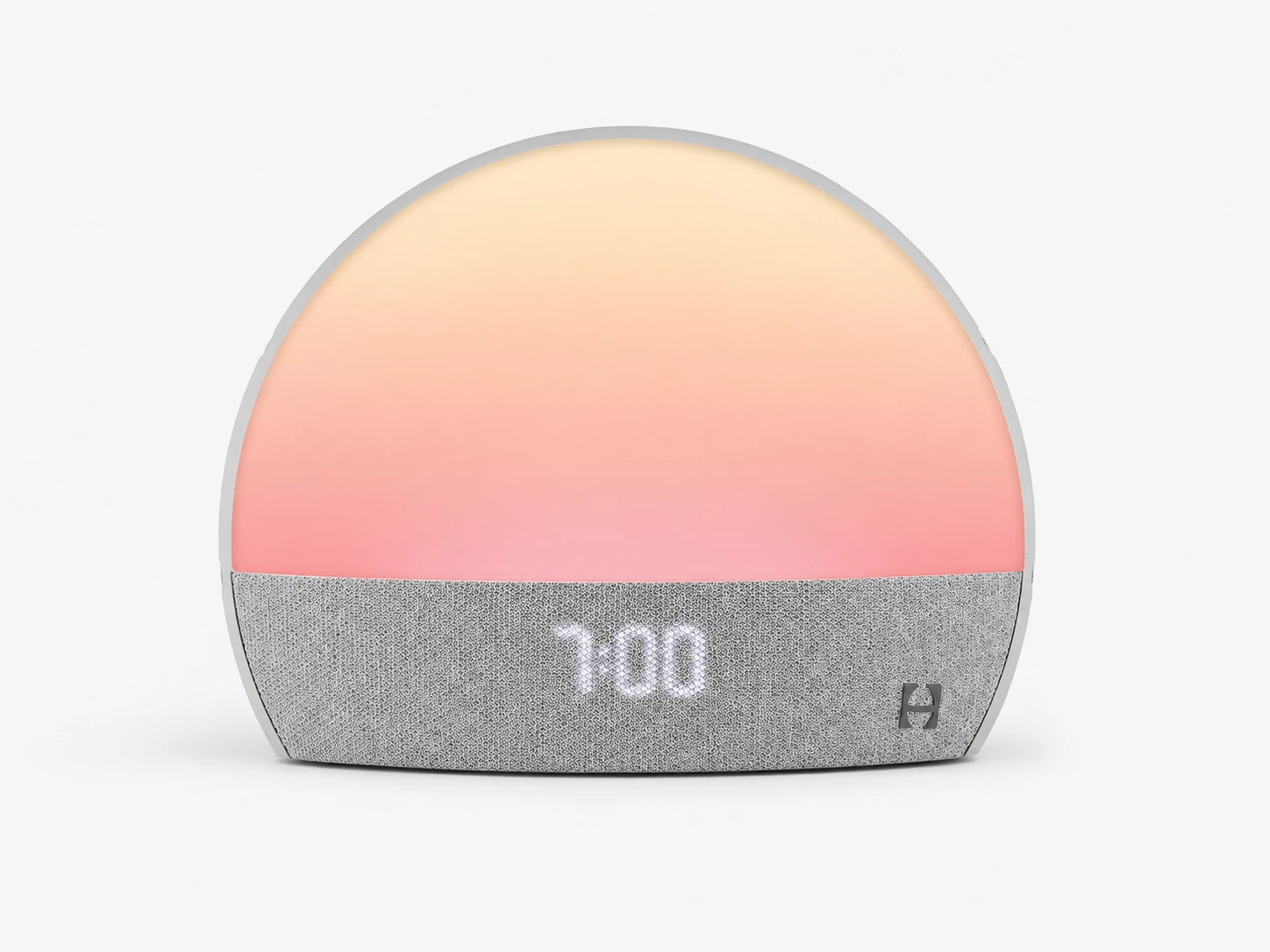
Full review
Original Restore buyers
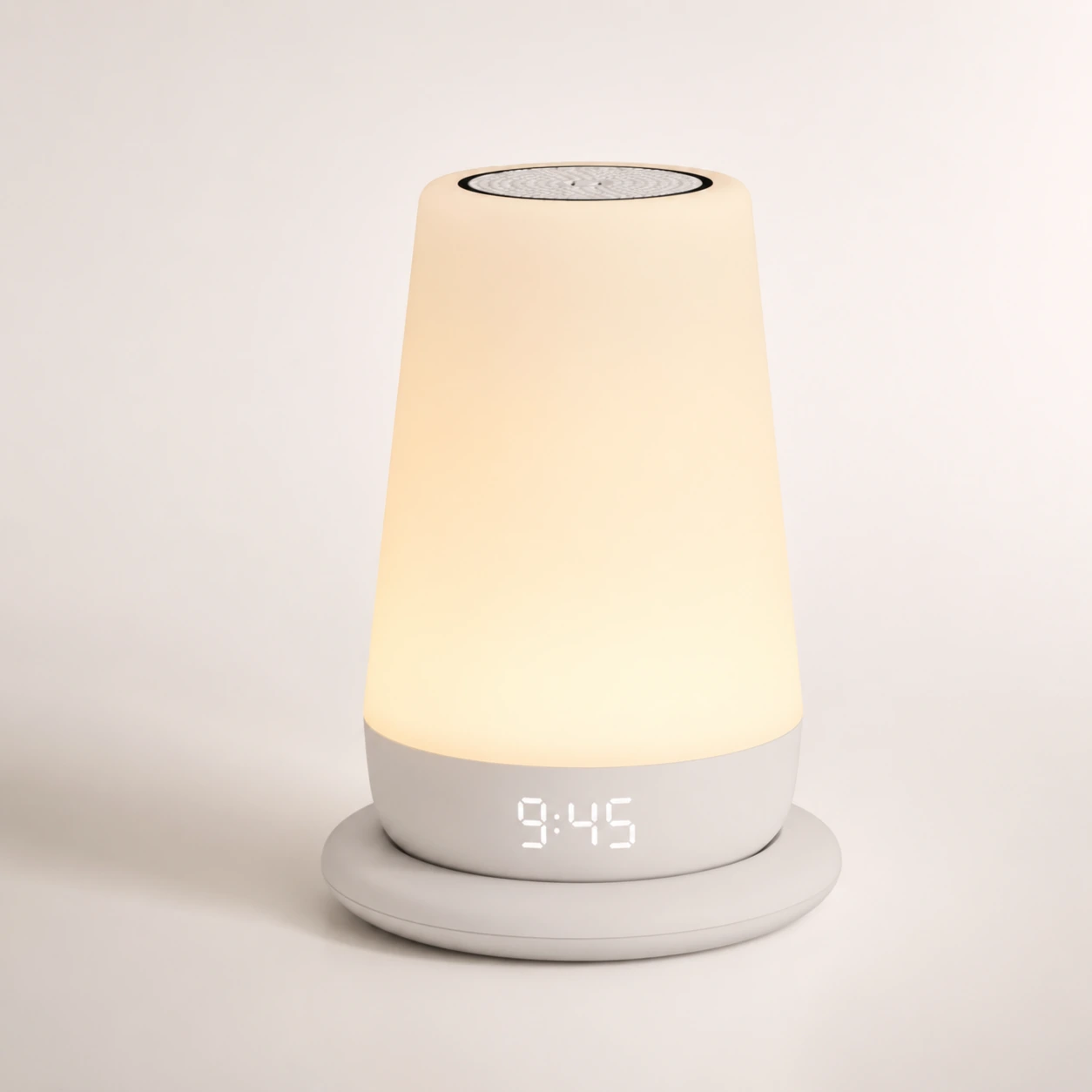
Full review
Family sleep routines
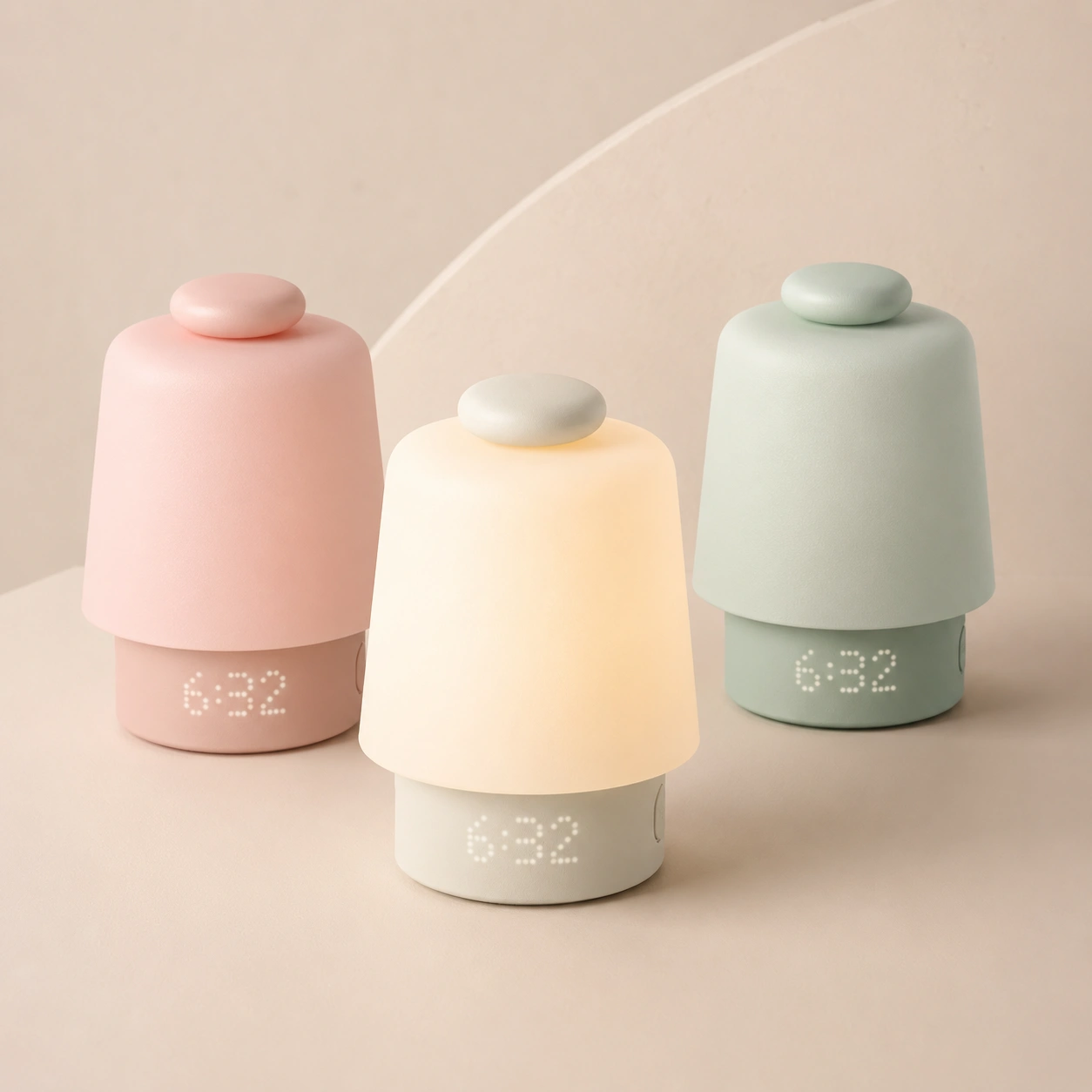
Full review
Baby-room routine device
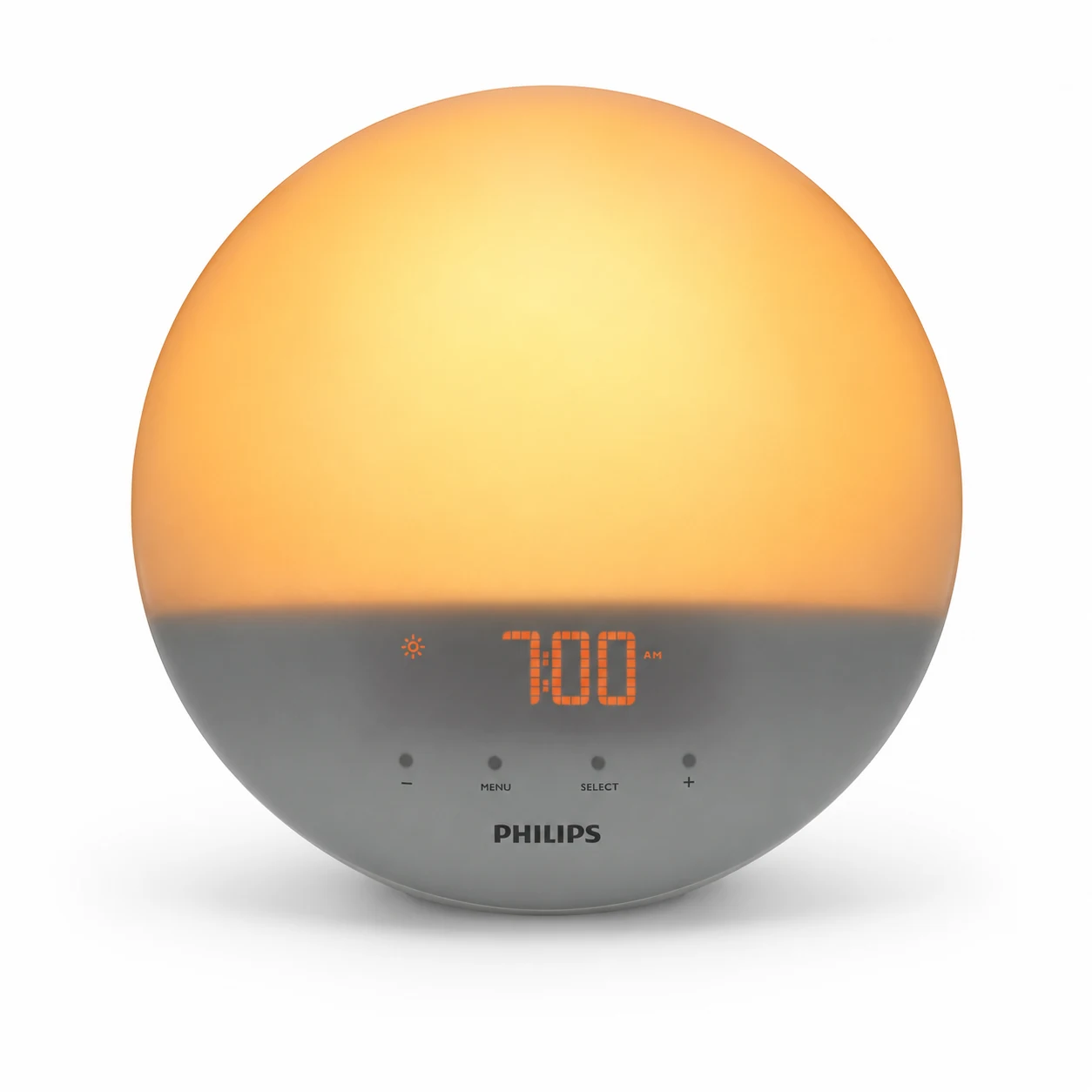
No-app sunrise review
Light-first adult bedrooms
| Hatch Restore 3 | Quick details |
|---|---|
| Product category | Smart sunrise alarm clock, sound machine, bedside light, and sleep-routine clock |
| Current role | Current adult Hatch Restore model |
| Price at fact check | $169.99 on Hatch |
| Colors at fact check | Putty, Greige, Cocoa |
| Best fit | Adults who want sunrise, sound, light, routines, and fewer phone checks at bedtime |
| Weakest fit | App-averse users, budget shoppers, very heavy sleepers, and couples with different wake times |
| Hatch+ required? | Free trial required during setup; basic device use remains after cancellation |
| App required? | Yes, for setup, Wi-Fi connection, routine changes, alarm edits, and content selection |
| TopClocks score | 9.2/10 for the right buyer; closer to 7.8/10 if you only want a basic sunrise alarm |
| Main warning | Do not buy Restore 3 for one feature if you know you will ignore the routine system |
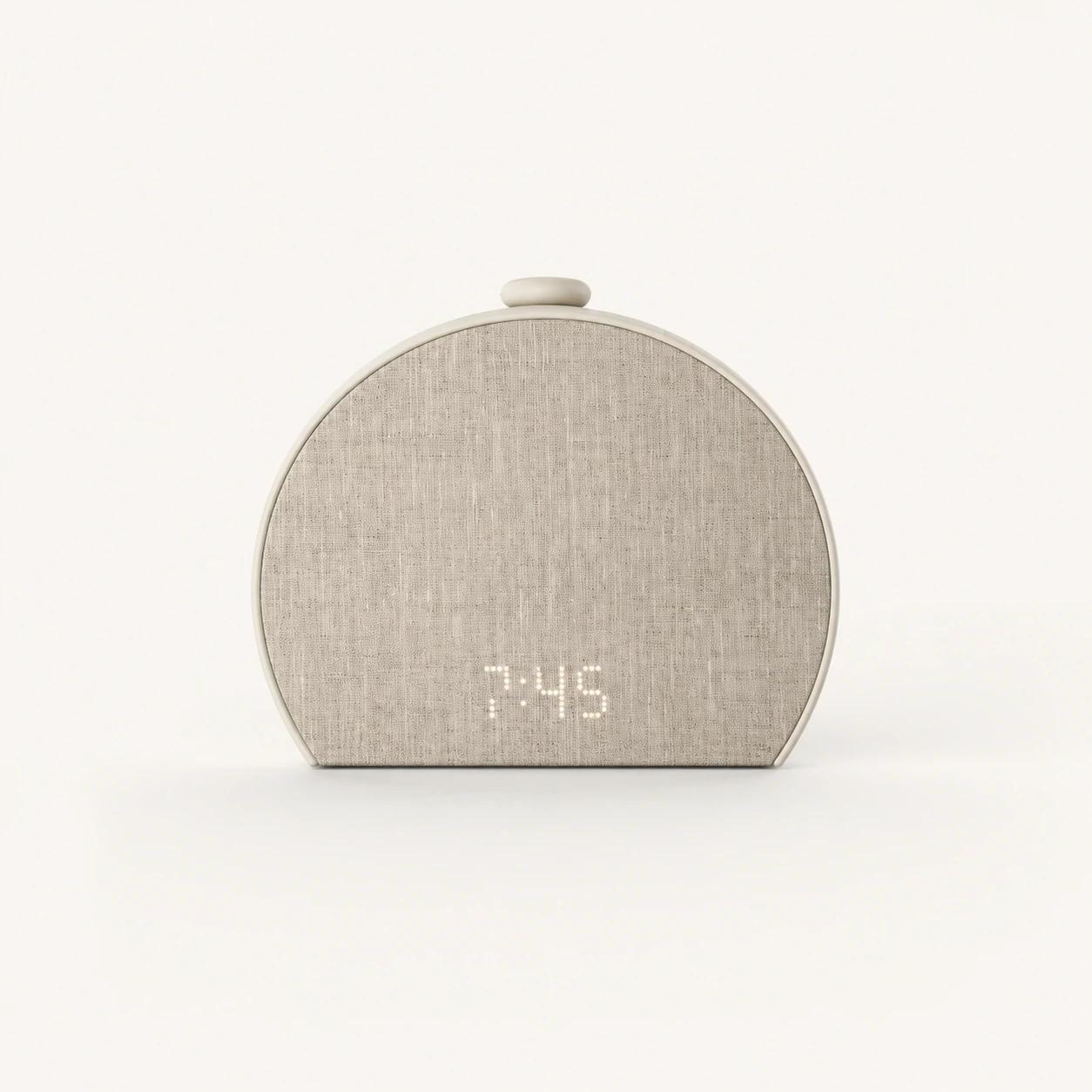
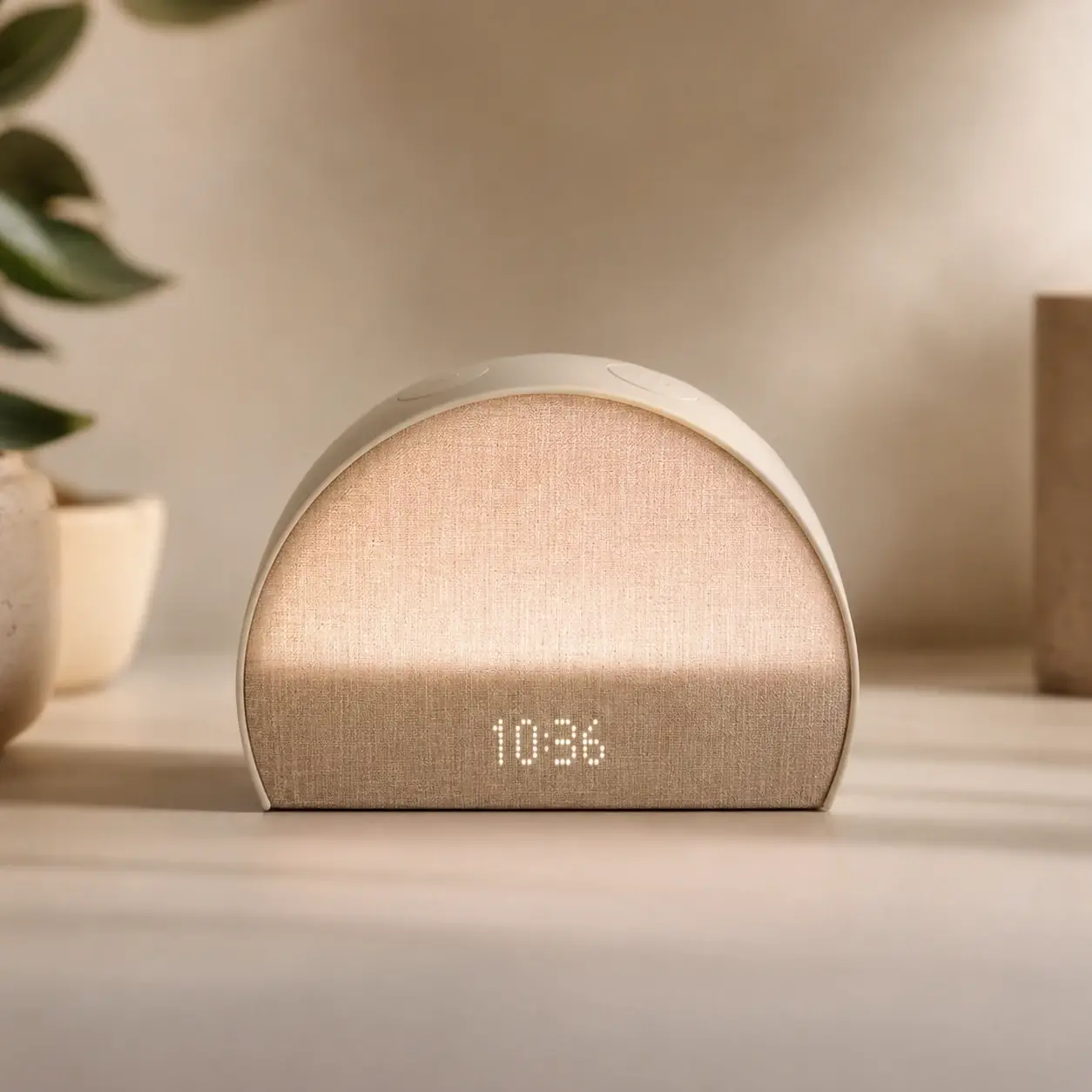
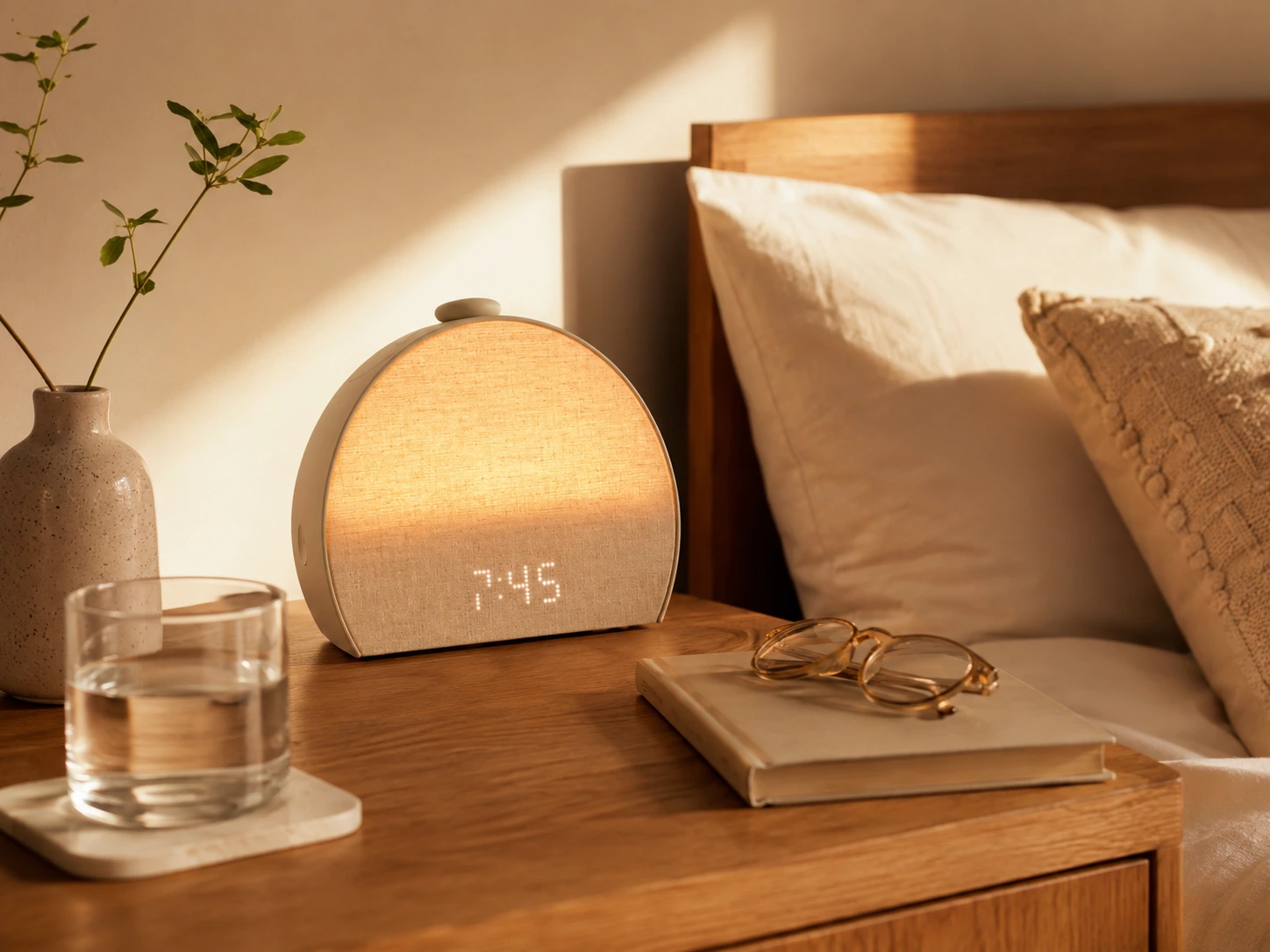
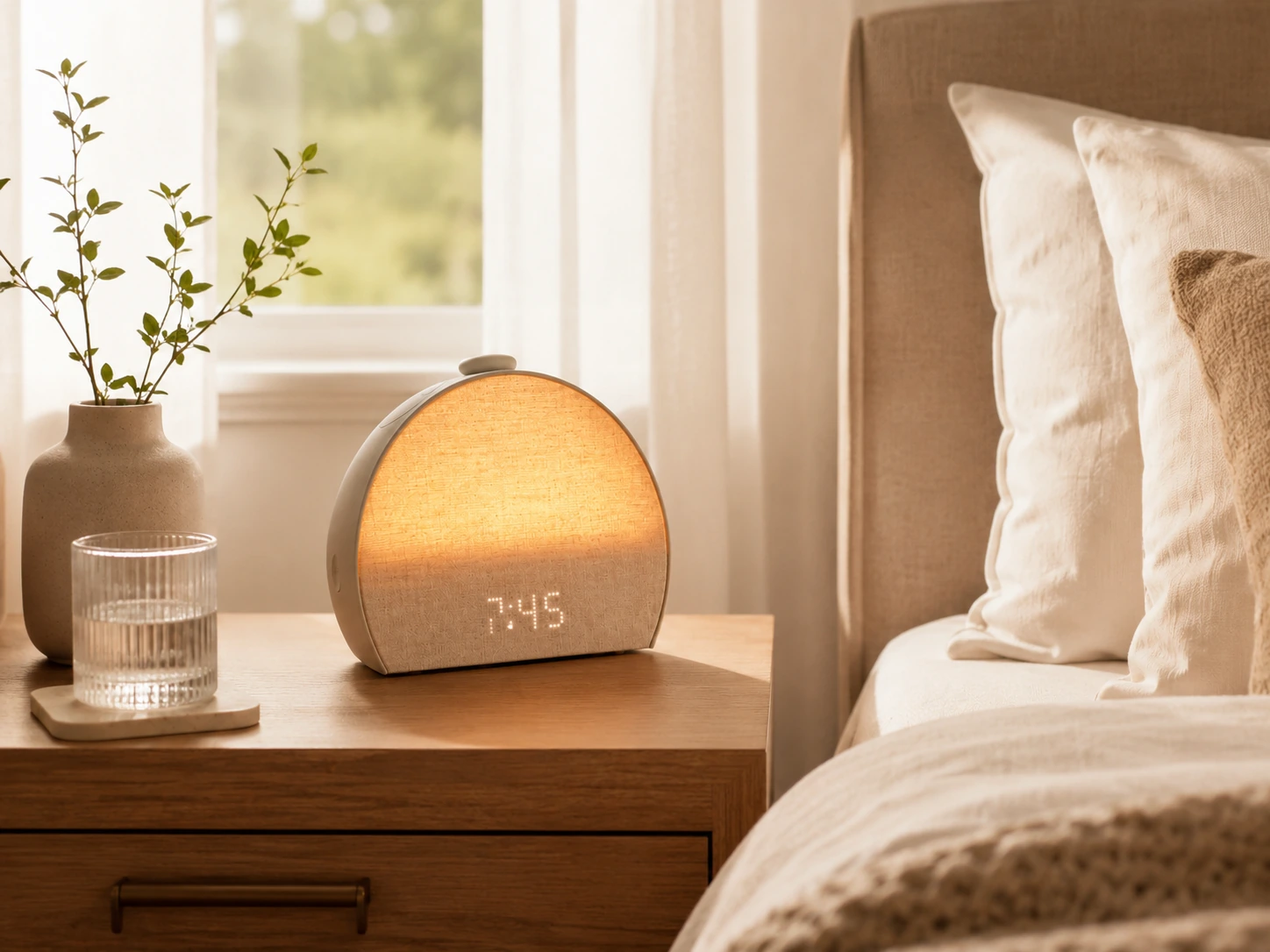
The Hatch Restore 3 is worth buying if you want a bedside routine system: warm light at night, sleep sounds, a dimmable clock, a sunrise alarm, and physical controls that help keep your phone off the nightstand after setup.
It is harder to justify if you only want gradual morning light. A cheaper sunrise alarm can do that narrow job. Restore 3 earns its price when you use the whole chain: Unwind, Sleep, Sunrise, and phone-down controls.
Clean decision: Restore 3 is strong when it replaces several bedside habits. It is expensive when you use it like a simple lamp.
| Question | Short answer |
|---|---|
| Is it really phone-free? | Not fully. Think phone-down after setup. |
| Do you need Hatch+? | No for basic use, yes if you want the larger content library and more routine options. |
| Is it better than Restore 2? | Usually yes for new buyers, unless Restore 2 is much cheaper. |
| Is it good for heavy sleepers? | Only with alarm sound and a backup test period. |
| Does it need Wi-Fi? | Yes, and 2.4GHz / captive portal limitations matter. |
This is the part many quick reviews soften. Restore 3 is a connected device. It is not a traditional alarm clock with optional app extras. You need the app to set it up, connect Wi-Fi, edit alarms, change routines, and choose content. Once the routine is built, the device controls make bedtime and morning use much less phone-centered.
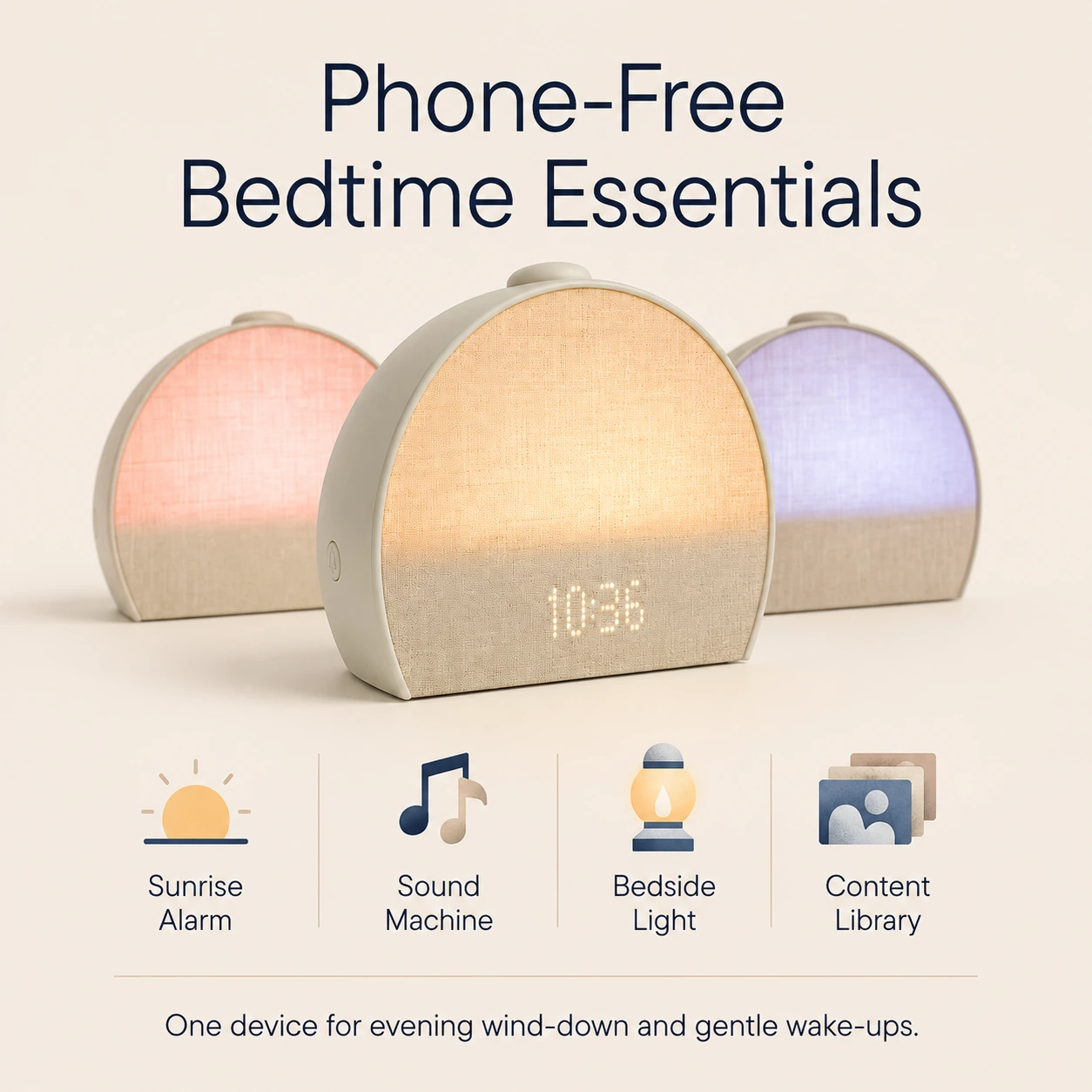
Restore 3 combines four daily jobs.
First, it is a sunrise alarm. You choose a light and sound combination, set the time, set the brightness and duration, and the light rises before the alarm sound starts. This is the feature most people notice first.
Second, it is a sound machine. If you already sleep with rain, white noise, pink noise, brown noise, water, or nature sounds, Restore 3 can replace a separate bedside sound machine.
Third, it is a bedtime cue. This is where Hatch makes more sense than a basic wake-up light. A repeated Unwind routine can tell your brain, "this is the start of the night," without requiring you to open your phone.
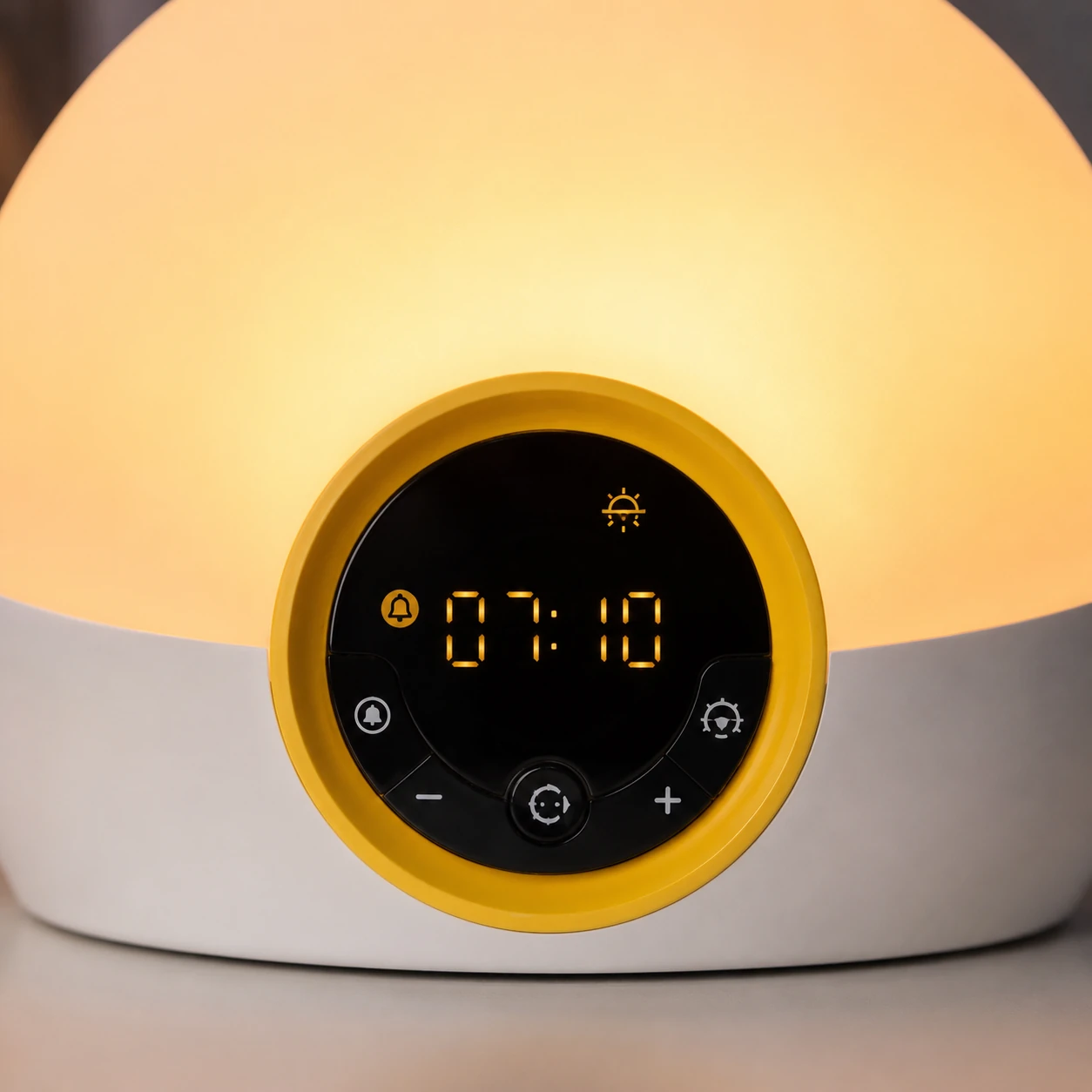
Fourth, it is a control surface. The Big Button, bedside light button, alarm toggle, and swap/pause controls are the most practical Restore 3 upgrade. You still build the routine in the app, but you can run normal bedtime and morning actions from the device.
Bottom line: I would not judge Restore 3 as a lamp. It is a routine clock. If you will not use the routine, buy something cheaper.
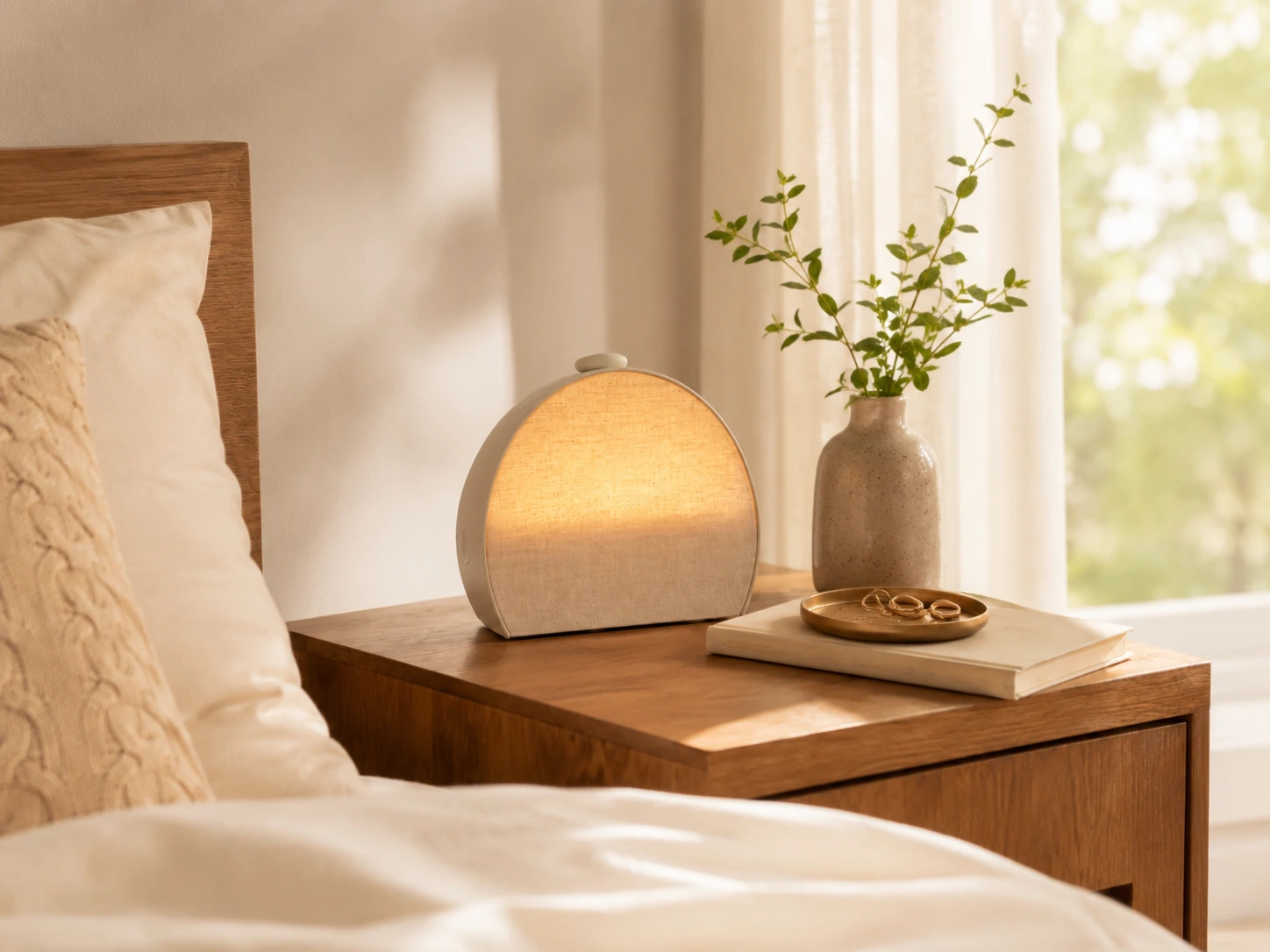
The Sunrise Alarm is useful, but it should be judged by reliability, not by how pleasant it looks.
Hatch lets you create a custom light-and-sound alarm. The light gradually brightens over your chosen duration, then the alarm sound starts when the sunrise is complete. The alarm can run up to one hour or until you stop it with the Big Button.
For light sleepers in dark rooms, Restore 3 may be enough on its own after you find the right brightness and sound. For average sleepers, I would run a one-week backup test before trusting it alone. For heavy sleepers, I would treat the sunrise as support and rely on a clear alarm sound at enough volume.
| Sleeper type | Best Restore 3 setup |
|---|---|
| Light sleeper | Lower brightness, gentle sound, no backup after trust is built |
| Average sleeper | Medium-high brightness, clear alarm sound, one-week backup test |
| Heavy sleeper | Stronger sound, higher volume, backup phone or physical alarm |
| Shared bedroom | Lower brightness, softer sound, partner approval first |
| Eye-mask user | Treat light as secondary; choose a sound that wakes you |
The sunrise works best with a stable wake time. If your schedule changes every day, you will spend more time editing alarms in the app. That is not a product failure, but it changes the fit.
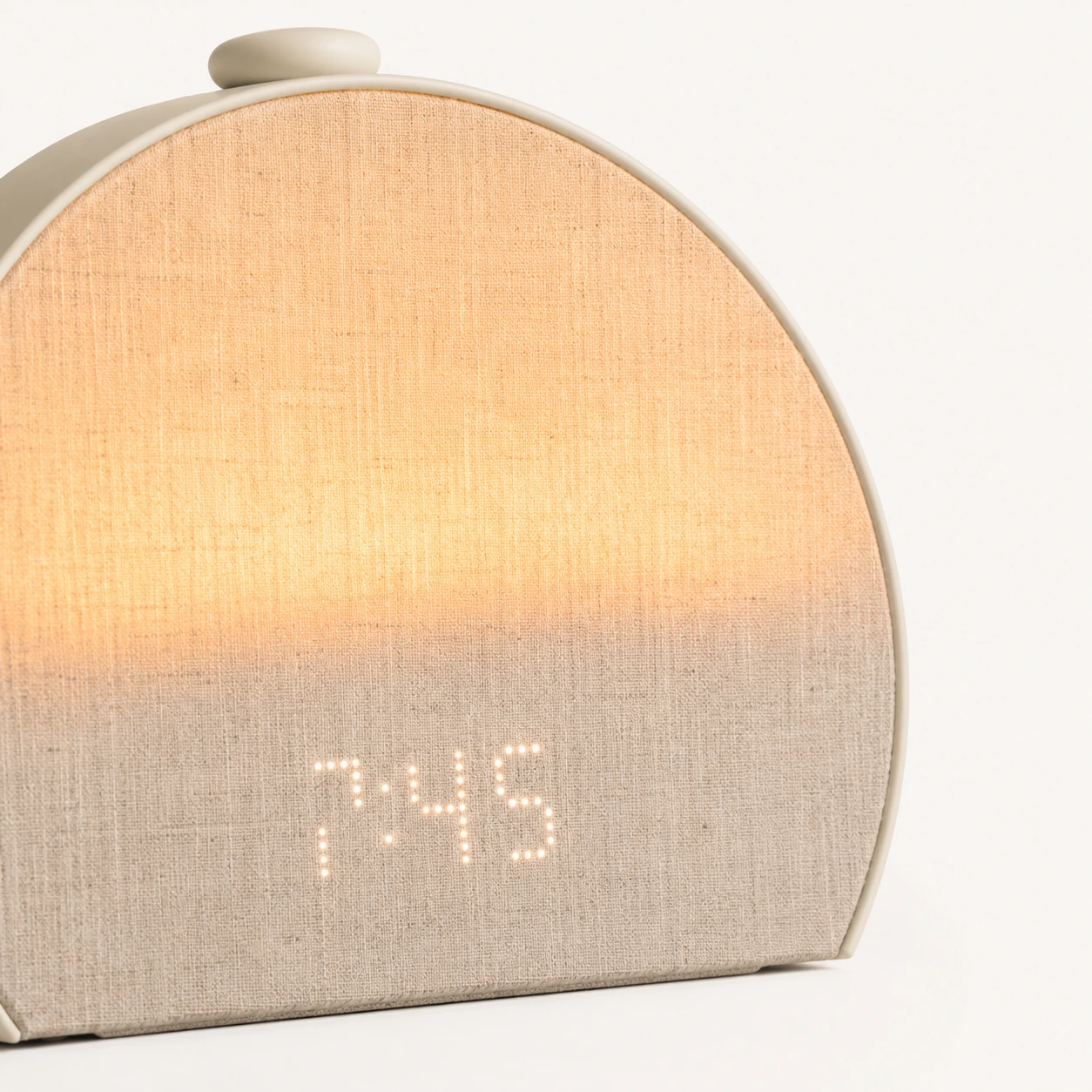
No. Restore 3 is better described as phone-down after setup.
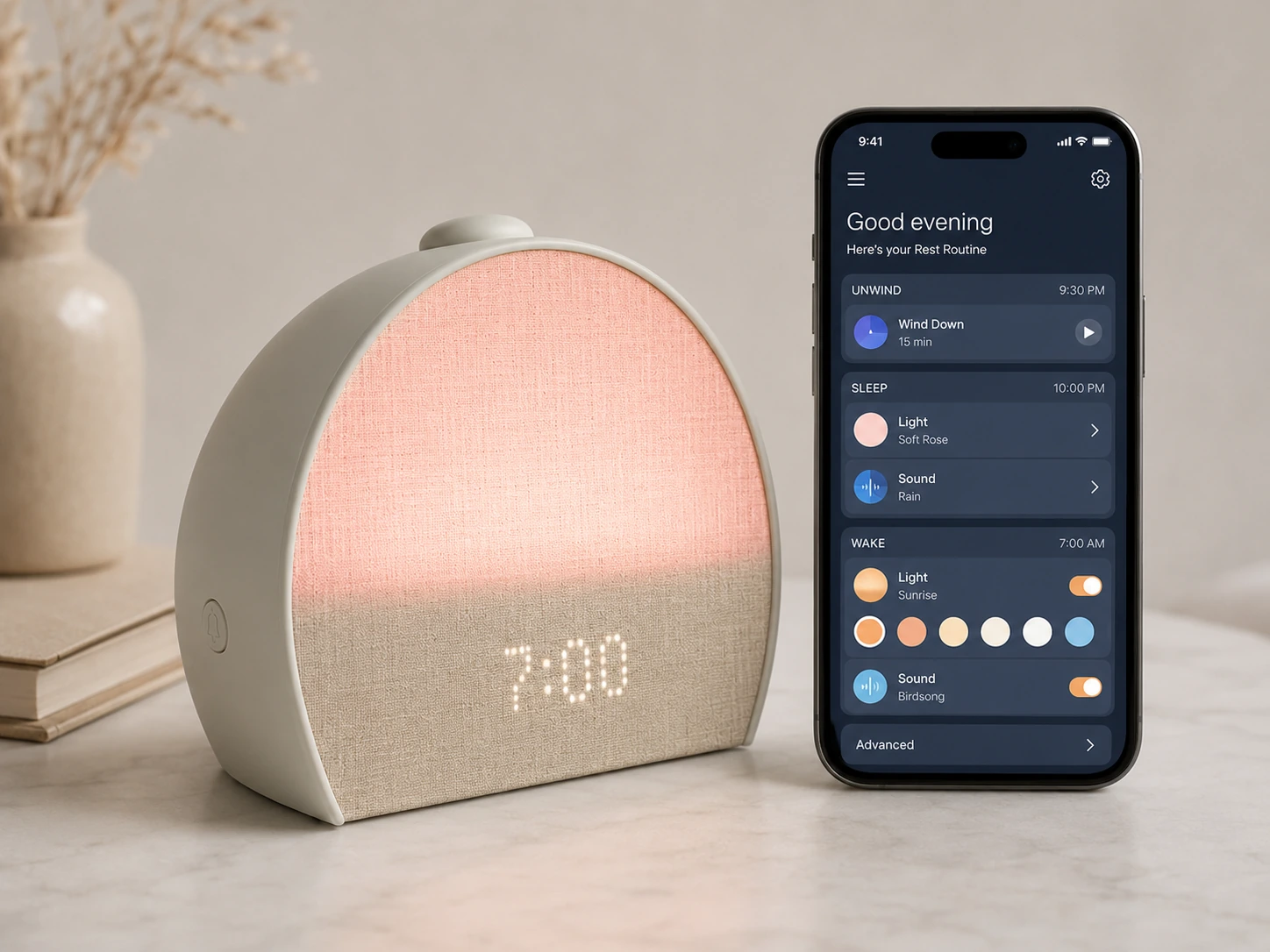
You need your phone and the Hatch Sleep app to connect Restore 3 to Wi-Fi and complete the initial setup. You also need the app when you want to edit alarms, change routines, pick content, or adjust detailed settings.
The good part is that daily use does not have to pull you back into the app every night. From the device, you can start Unwind, move through routine steps, pause or swap a step, turn on the bedside light, toggle alarms, snooze, stop the alarm, and adjust volume with the Big Button.
Buyer caveat: If your goal is "I never want an app in my alarm clock," Restore 3 is the wrong product. If your goal is "I want to stop scrolling after my routine is set," Restore 3 is much closer to the mark.
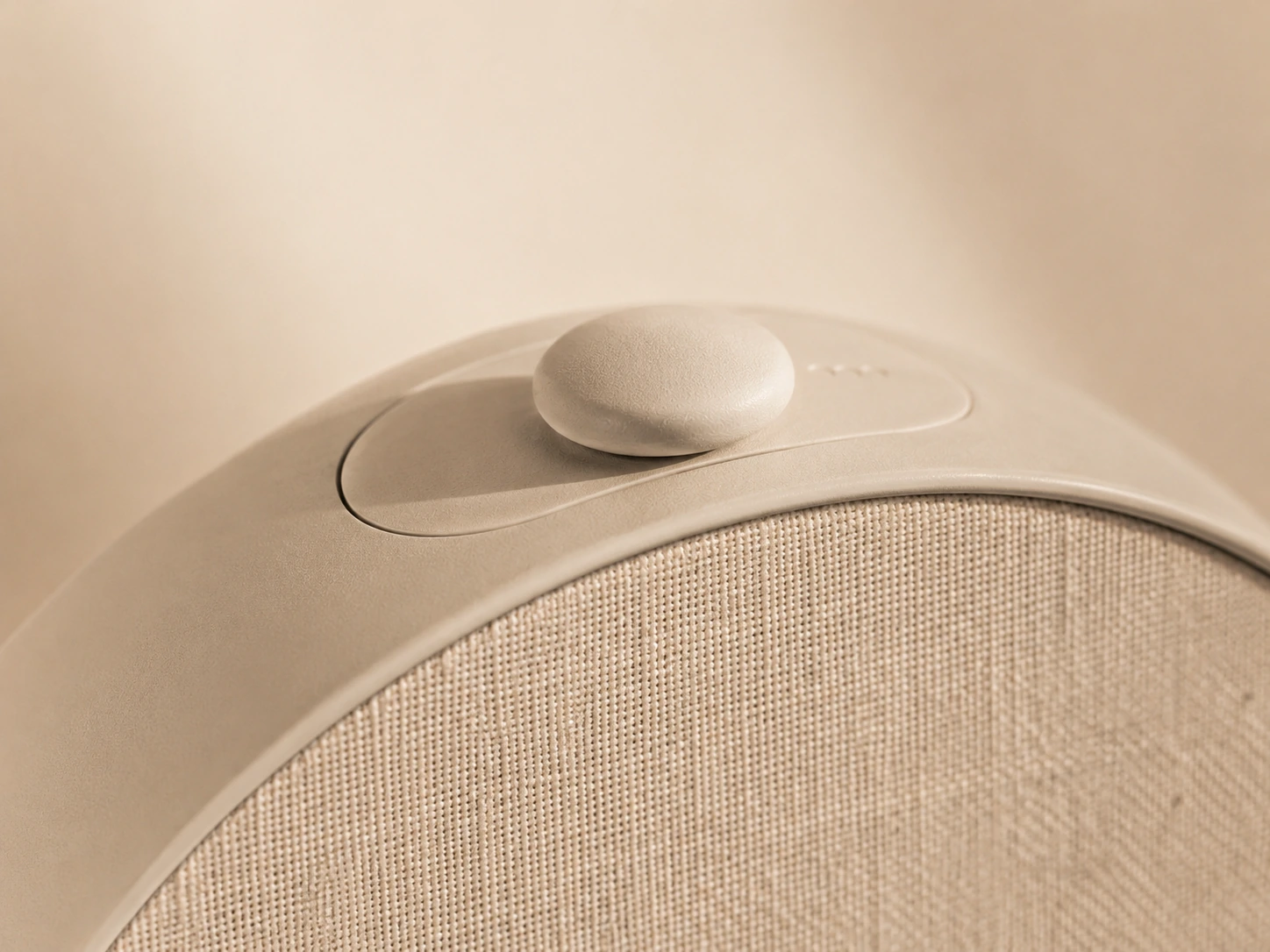
You do not need Hatch+ to use Restore 3, but the subscription changes how much content and routine flexibility you get.
Hatch requires a free Hatch+ trial during setup. After that, you can cancel and keep using the device with included sounds, lights, Sunrise Alarms, and basic Unwind content. Hatch+ adds the larger library, more lights, more Unwind content, Cue to Unwind, and more saved routine flexibility.
| Use case | Without Hatch+ | With Hatch+ |
|---|---|---|
| Simple sunrise alarm | Works | More alarm sounds and seasonal options |
| Sleep sounds | Included sound library | Larger sound library |
| Unwind routine | Basic sampler-style content | Much larger routine library |
| Cue to Unwind | Limited / paid-dependent | Included with Hatch+ |
| Best buyer | Repeats the same routine most nights | Wants variety, guided content, and seasonal updates |
My advice: Do not buy Restore 3 because you think you need Hatch+. Buy it because the hardware routine makes sense. Start with the included content, then keep Hatch+ only if you use the added content often enough to notice the difference.
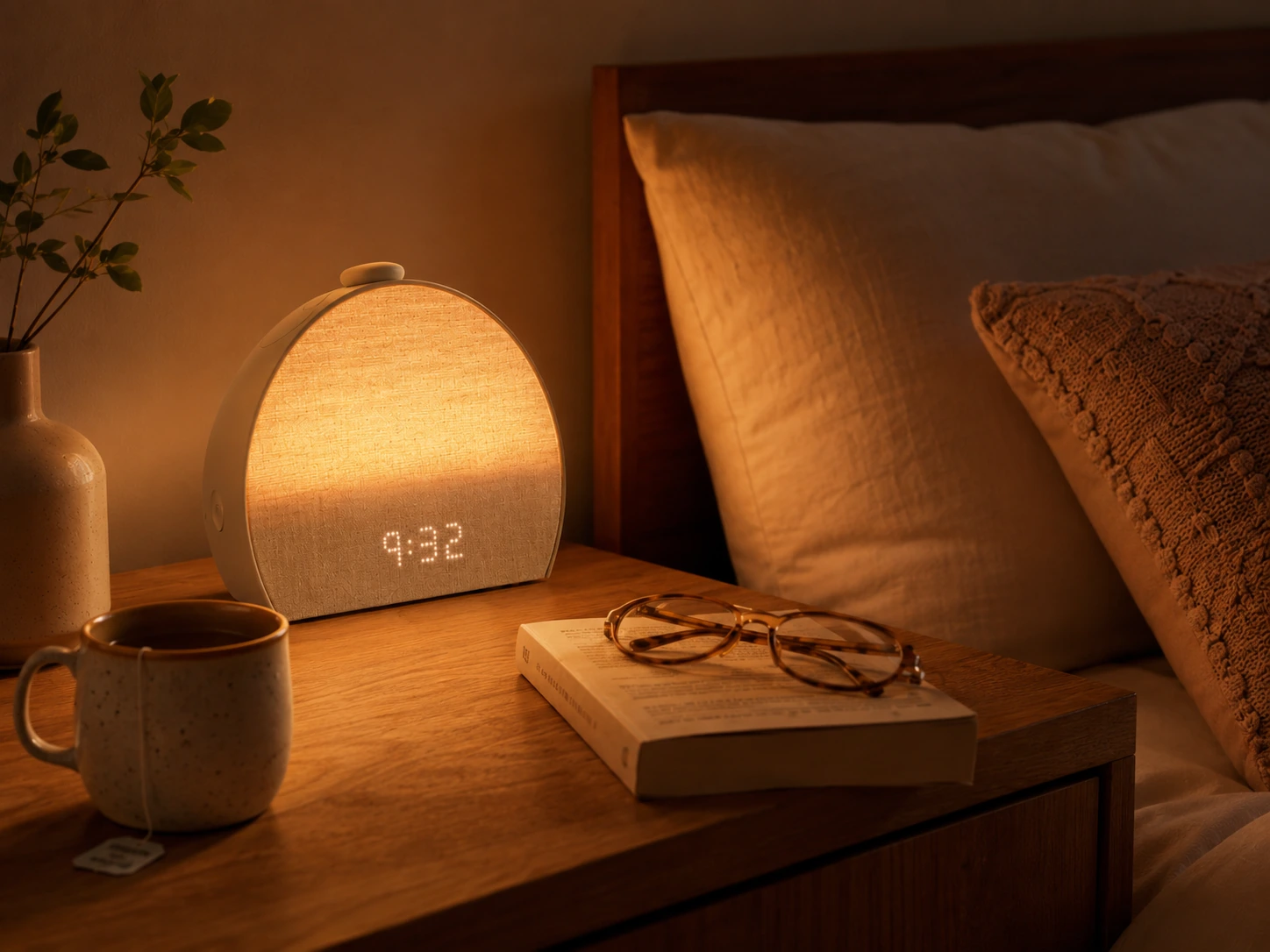
For most new buyers, Restore 3 is the cleaner choice. It is the current adult Hatch model, and the controls are better suited to phone-down use. Restore 2 still matters if you find it at a meaningful discount.
| Buying situation | Better choice | Why |
|---|---|---|
| New buyer, small price gap | Restore 3 | Better current-model experience and control layout |
| Restore 2 is heavily discounted | Restore 2 | Better value if savings are real |
| You already own Restore 2 and like it | Keep Restore 2 | No need to upgrade for small improvements |
| You want the easiest phone-down use | Restore 3 | More practical physical controls |
| You only need sunrise light | Neither | Buy a cheaper wake-up light |
I would not pay near-Restore 3 money for Restore 2. I would also not upgrade from Restore 2 just because Restore 3 exists. The better question is whether the new controls and current-model support matter enough for your bedroom.
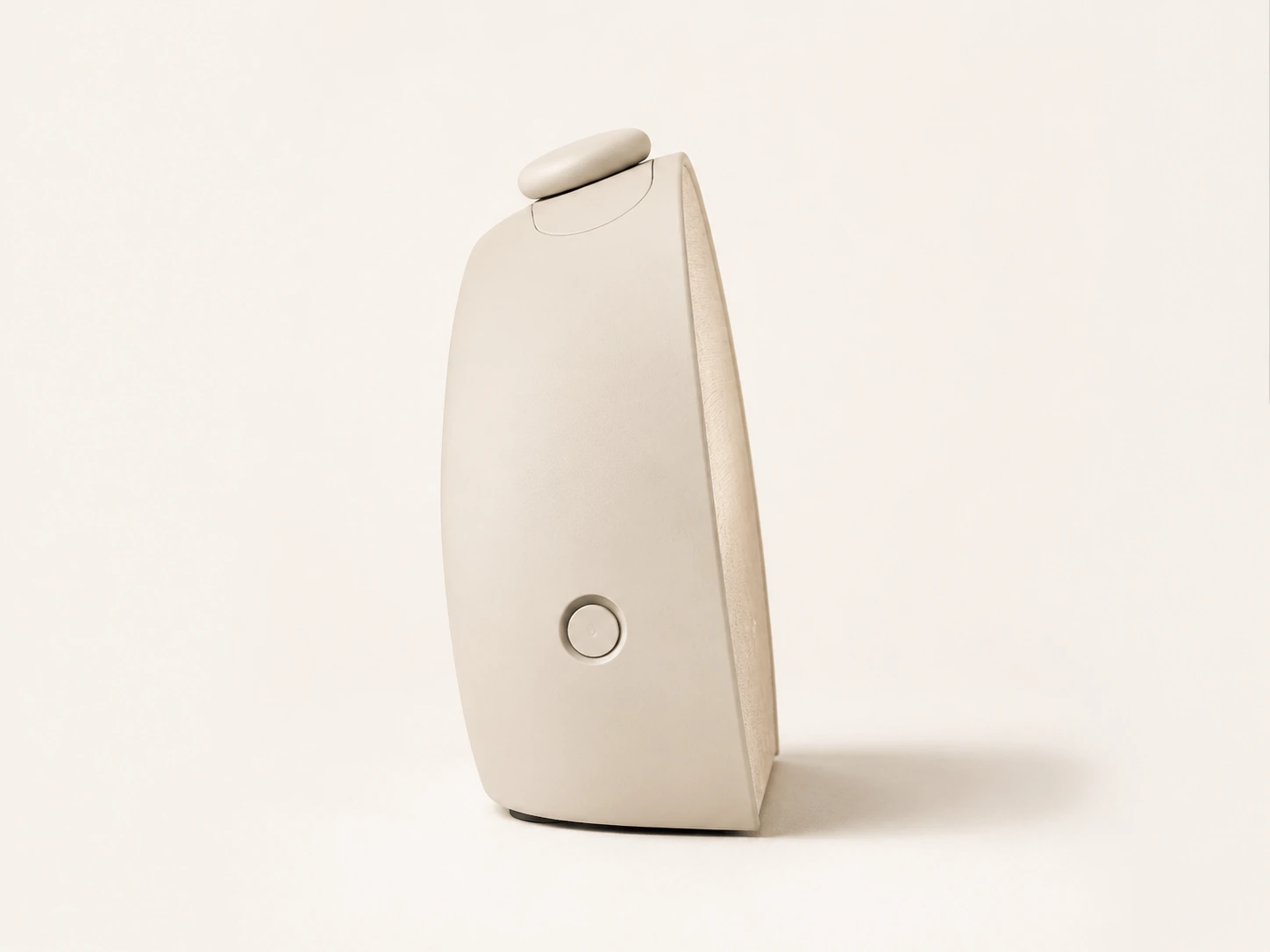
Restore 3 is a personal-use device, not a multi-user household hub. If you share a bedroom, the other person can control it by using the same Hatch login, but the alarm itself still affects the room. A sunrise and sound that helps one person wake may annoy the partner who sleeps later.
If both people wake around the same time, Restore 3 can work well. If one person wakes at 5:30 a.m. and the other sleeps until 8:00, think carefully.
Restore 3 is gentle by design. That is the point. But gentle is not always enough. Use a backup alarm until you know the sunrise plus sound wakes you reliably.
Restore 3 can replace a separate alarm clock, sound machine, and small bedside light. That helps if your nightstand is crowded. Still, it is not the smallest possible alarm clock, and it needs power plus stable Wi-Fi.
Restore needs a secure 2.4GHz Wi-Fi connection. Captive portal networks can be a problem because the device cannot open a browser login page. That matters in some apartments, dorms, hotels, universities, and shared buildings.
The snooze is fixed at 9 minutes. You cannot change the snooze length. Snoozing turns off the sound, but the sunrise light stays on. If you want a longer snooze gap, the workaround is a second alarm.
| Mistake | Why it matters | Better move |
|---|---|---|
| Reading "phone-free" as "no phone needed" | Setup and edits still require the app | Treat it as phone-down after setup |
| Buying it only for white noise | A dedicated sound machine is cheaper | Buy Restore 3 only if you want the full routine |
| Skipping a backup alarm on day one | Gentle wake-up may not be enough | Run a backup test for the first week |
| Ignoring your partner's schedule | Light and sound affect both sleepers | Check shared-bedroom fit first |
| Assuming Hatch+ is required forever | Basic use remains after cancellation | Start without paid content after the trial |
| Using hotel or captive-portal Wi-Fi | Setup can fail on browser-login networks | Avoid Restore 3 as a travel-first alarm |
This is where Restore 3 becomes a good or bad purchase. The product is strong when its limits match your life. It feels overpriced when you buy it for the wrong job.
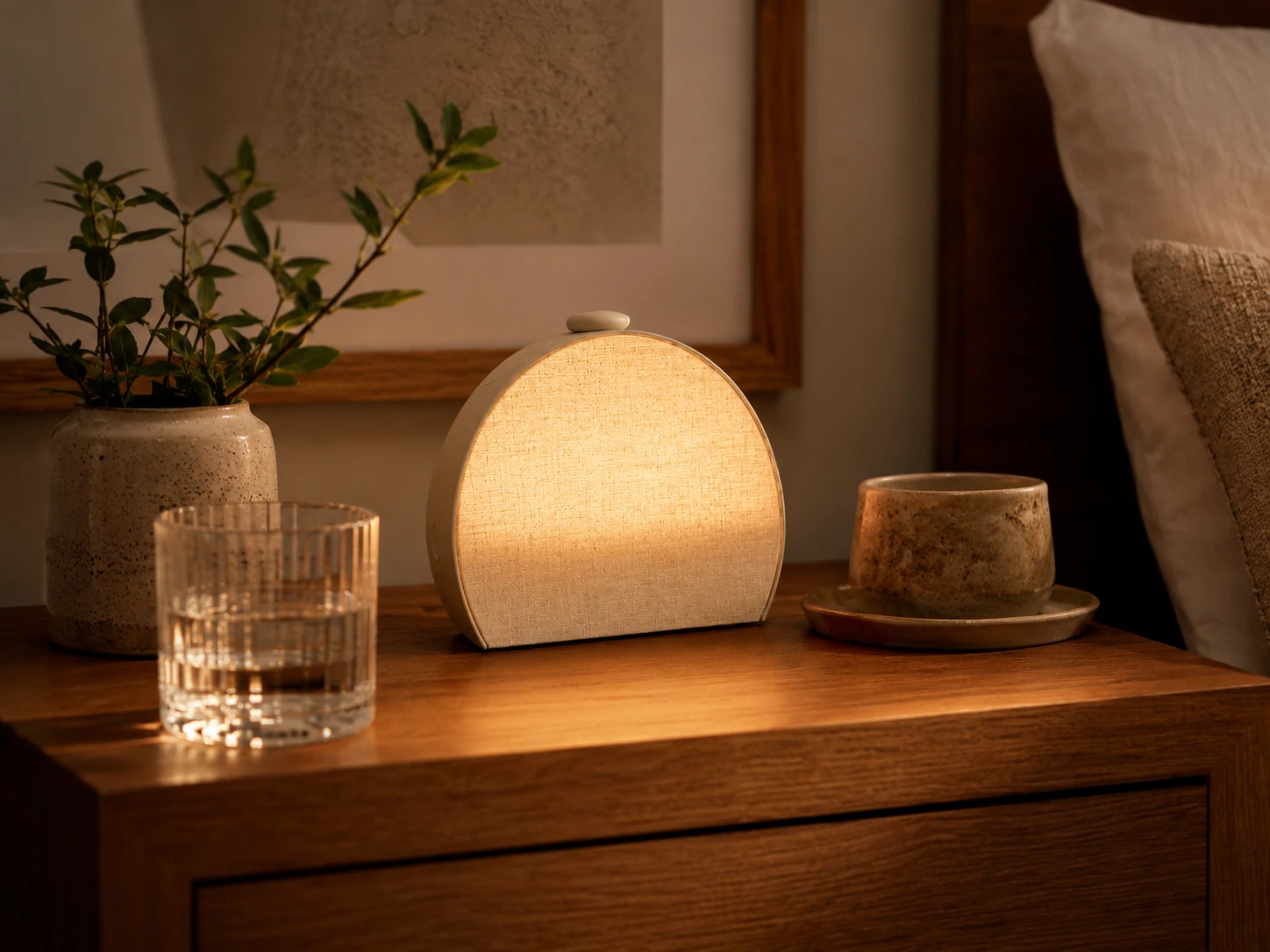
The Hatch Restore 3 is the best current Hatch alarm clock for adults who want the full routine: evening cue, sleep sound, bedside light, sunrise alarm, and phone-down controls.
I would buy it over Restore 2 if the price gap is small. I would choose Restore 2 only when the discount is meaningful. I would skip both if I wanted a no-app clock, a cheap wake-up light, or a basic white-noise machine.
Restore 3 is worth it when it replaces several bedside habits. It is too expensive when it does one job.
Clean verdict: Restore 3 is the top current Hatch pick for new adult buyers who will use the whole routine.
Reviews
Restore 3 works best for adults who want the whole Hatch chain: Unwind, Sleep, Sunrise, sound, bedside light, and device controls.
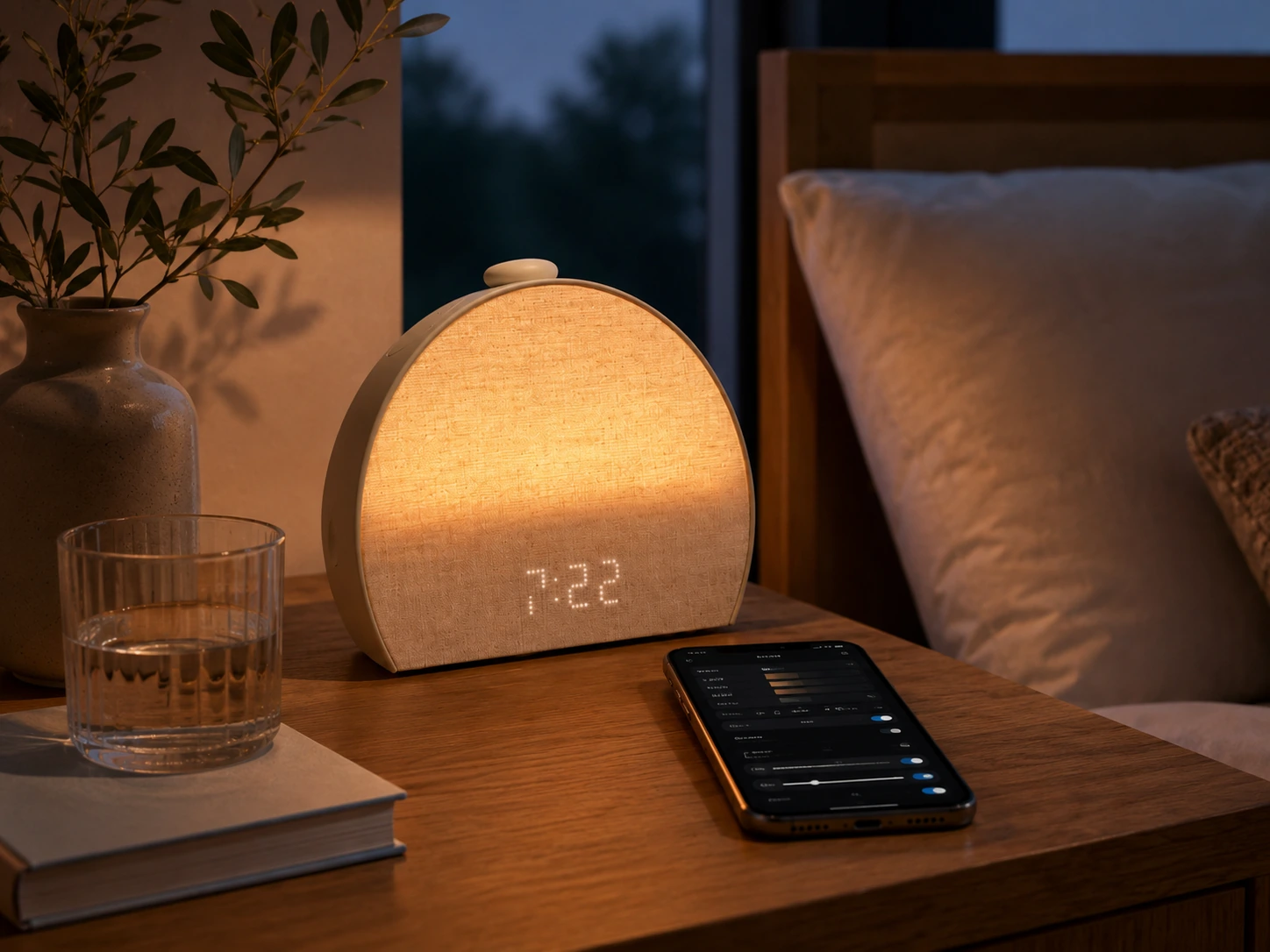
The product still needs the Hatch Sleep app for setup and edits. It is phone-down after setup, not a no-phone alarm clock.
Hatch+ is optional after the setup trial. Keep it only if the larger content library changes your routine enough to matter.
FAQ
Yes. A Hatch+ free trial is part of setup, but you can cancel and keep using basic Restore 3 features. Hatch+ is most useful if you want more sounds, lights, Unwind routines, and content variety.
Not completely. You need the Hatch Sleep app for setup, Wi-Fi connection, alarm edits, routine changes, and content selection. After setup, the device controls let you keep your phone down for normal bedtime and morning use.
It may work for some heavy sleepers with a loud enough alarm sound, but I would use a backup alarm at first. Treat the sunrise light as support, not the whole wake-up system.
For most new buyers, yes. Restore 3 has better phone-down controls and is the current adult Hatch model. Restore 2 only wins when it is meaningfully cheaper.
It depends on wake times. If both people wake around the same time, it can work well. If one partner sleeps much later, the sunrise light and sound can become a problem.
Yes. Restore needs a secure 2.4GHz Wi-Fi connection and the Hatch Sleep app for setup and connected use. Captive portal networks can be a problem.